
Photos from current listings. Actual item, color, and included accessories may vary.
Audio Book Kindle Buying Guide
Audio Book Kindle refers to playing audiobooks on Amazon Kindle e-readers and Fire tablets, either via Bluetooth or the Kindle mobile app. The key trade-off is between older Kindles that lack Bluetooth and newer models with built-in Audible support. Choose a Bluetooth-enabled Kindle (2018 or later) or Fire tablet for wireless listening; skip pre-2018 e-ink Kindles if you want built-in audio.
At a glance
- Category
- Audiobooks
- Last updated
- Nov 27, 2026
Current offers
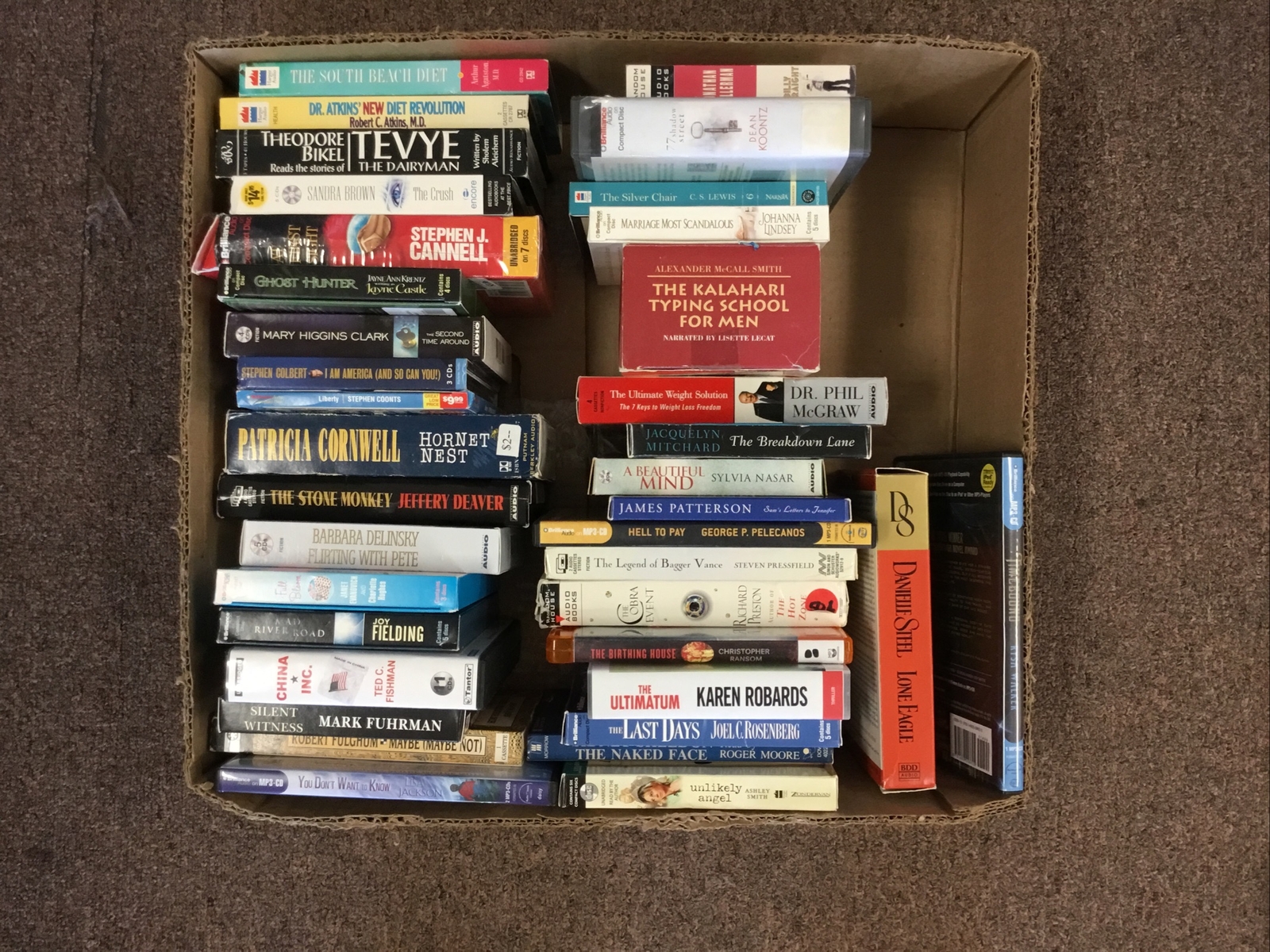 Audio Books on CD / Cassette - Great Authors - You Pick - (COMBINED SHIPPING)$1.99View on eBay
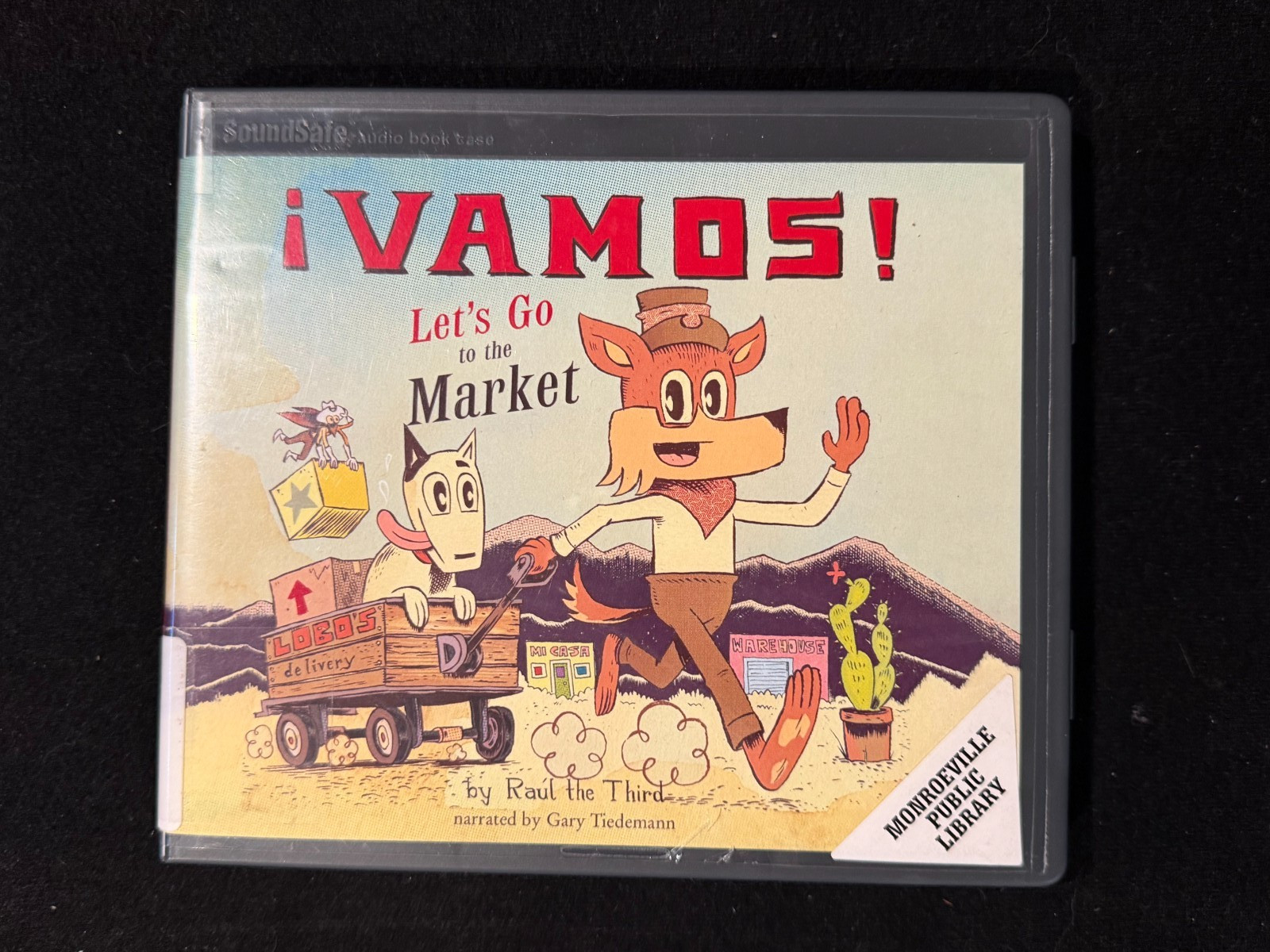 Children and Young Reader Audio Books on CD Various Authors You Choose$5.00Last checked Nov 18, 2026View on eBay
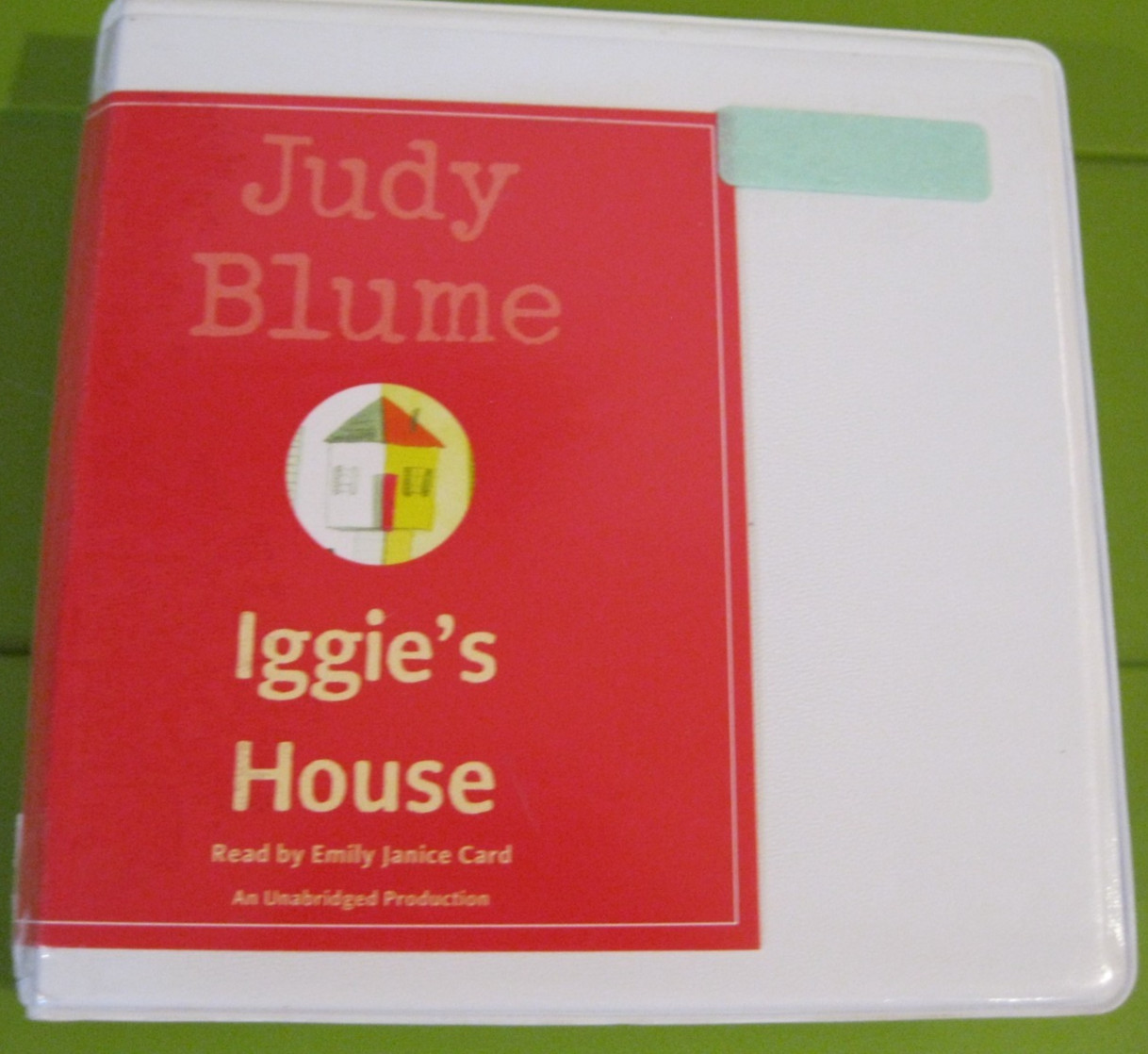 IGGIE'S HOUSE BY JUDY BLUME AUDIO BOOK ON 3 CDs UNABRIDGED 2 HRS 45 MINS EX-LIBR$5.99View on eBay
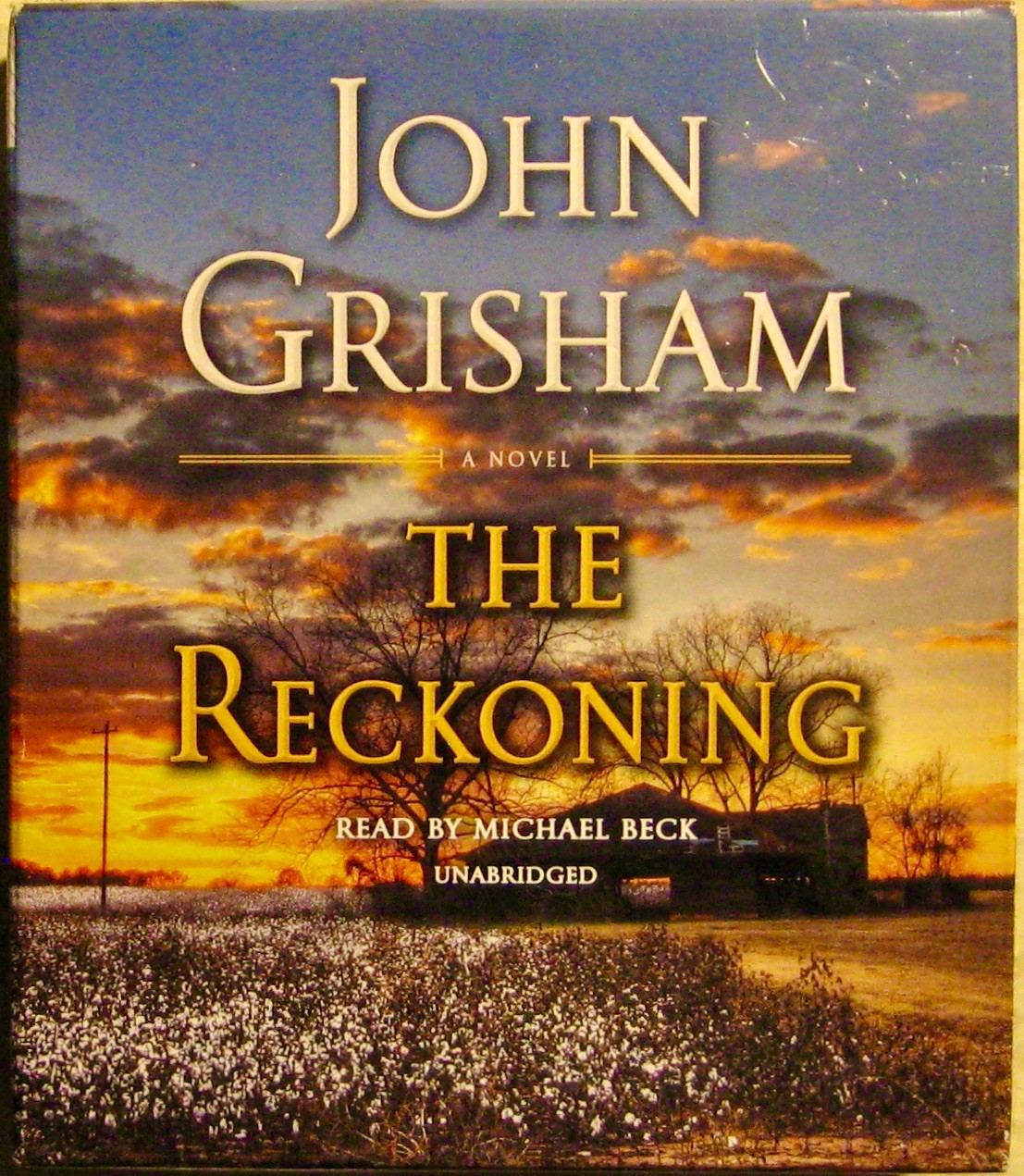 The Reckoning unabridged audio book on 15 CD's by John Grisham$7.95View on eBay
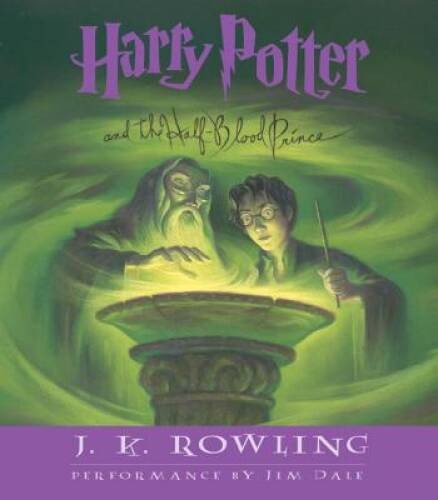 Harry Potter and the Half-Blood Prince (Book 6) - Audio CD - GOOD$9.23Last checked Nov 19, 2026View on eBay
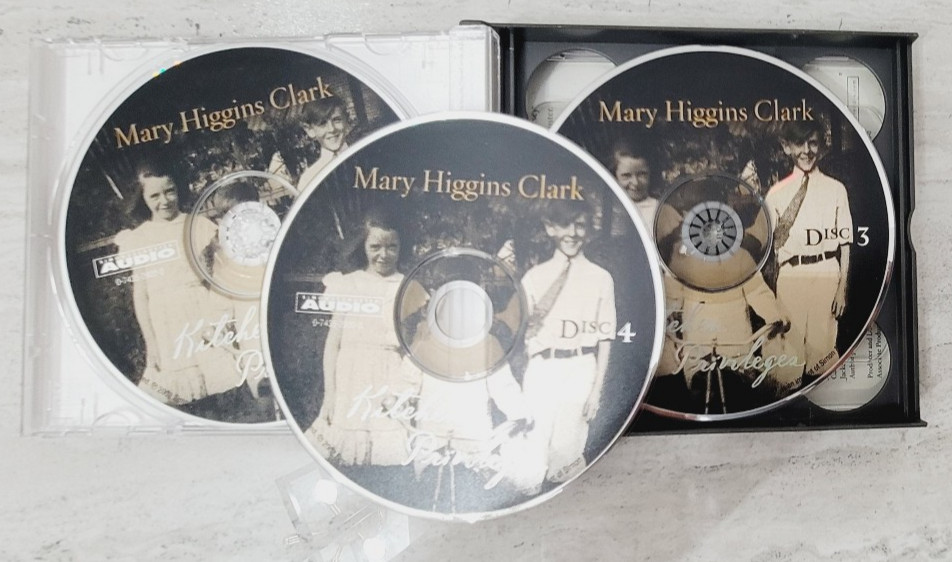 KITCHEN PRIVILEGES MARY HIGGINS CLARK CD AUDIO BOOK EASY READ ANYTIME$11.00View on eBay
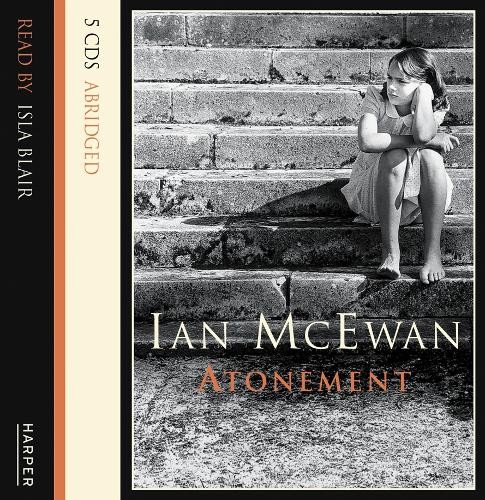 Atonement by McEwan, Ian CD-Audio Book The Fast Free Shipping$11.01Last checked Nov 25, 2026View on eBay
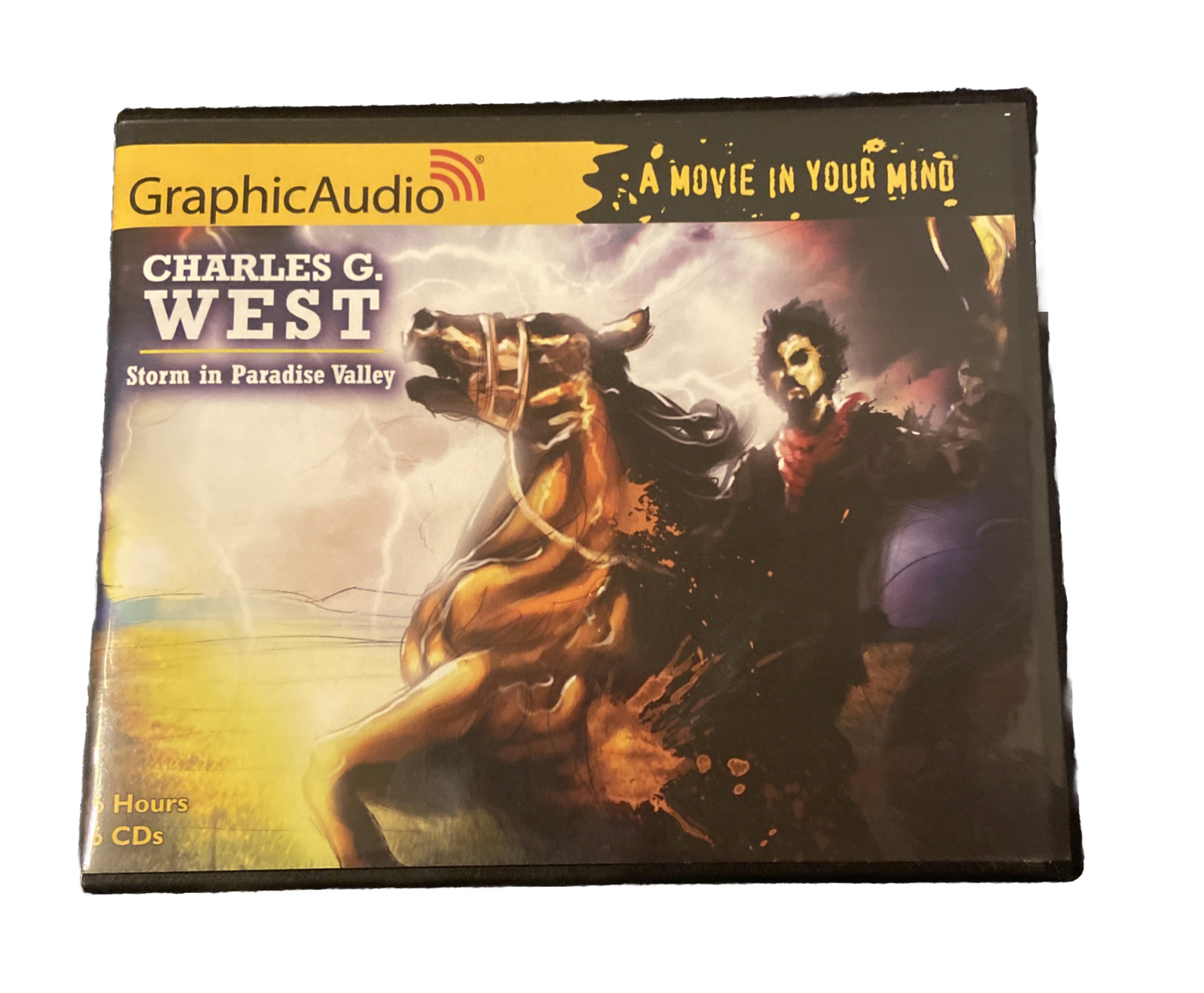 Graphic Audio “Storm In Paradise Valley” Charles G. West 6 CD’s 2008 Audio Book$12.34Last checked Nov 23, 2026View on eBay
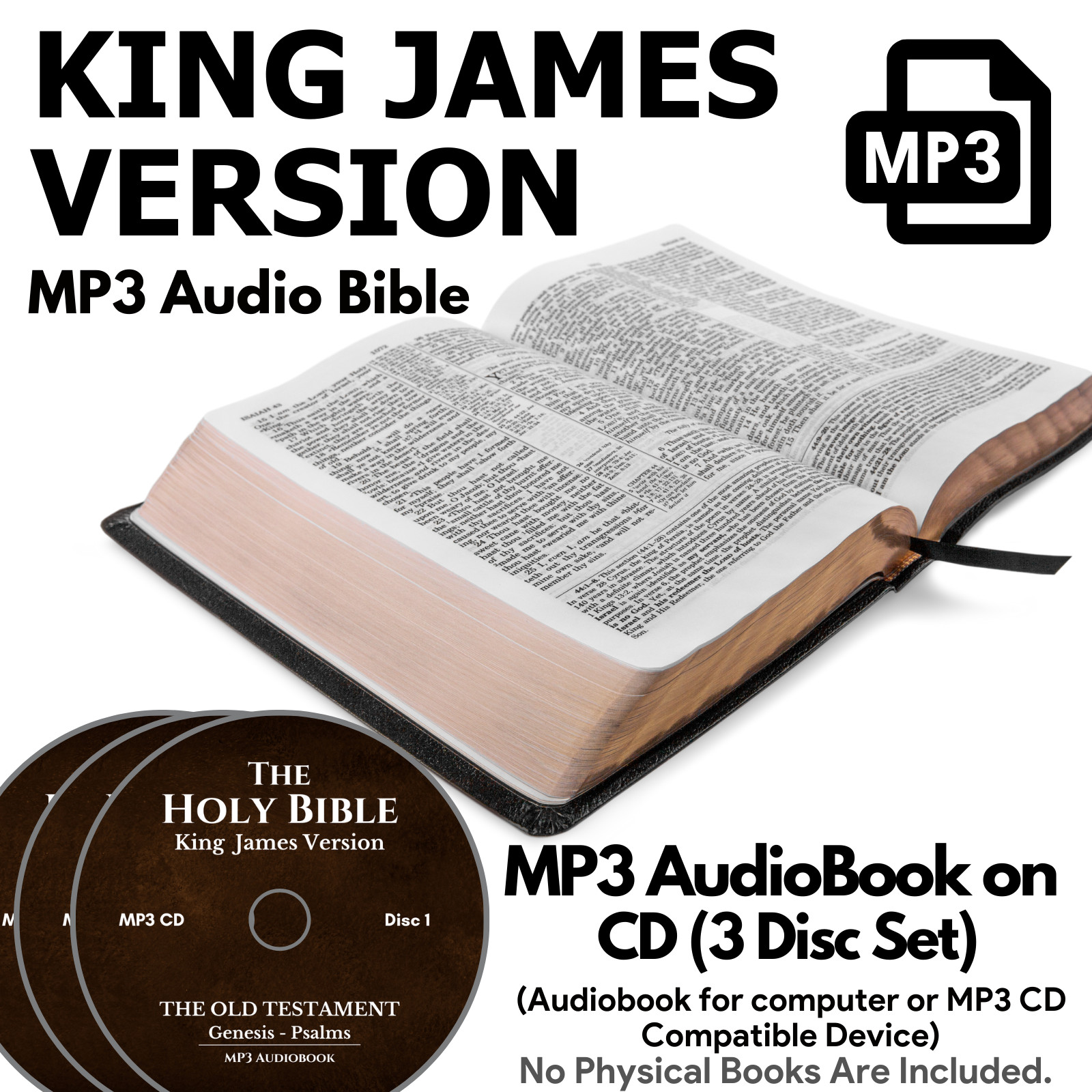 King James Version Audio Bible Christian Audiobook KJV All 66 Books on MP3 CDs$18.99Last checked Nov 19, 2026View on eBay
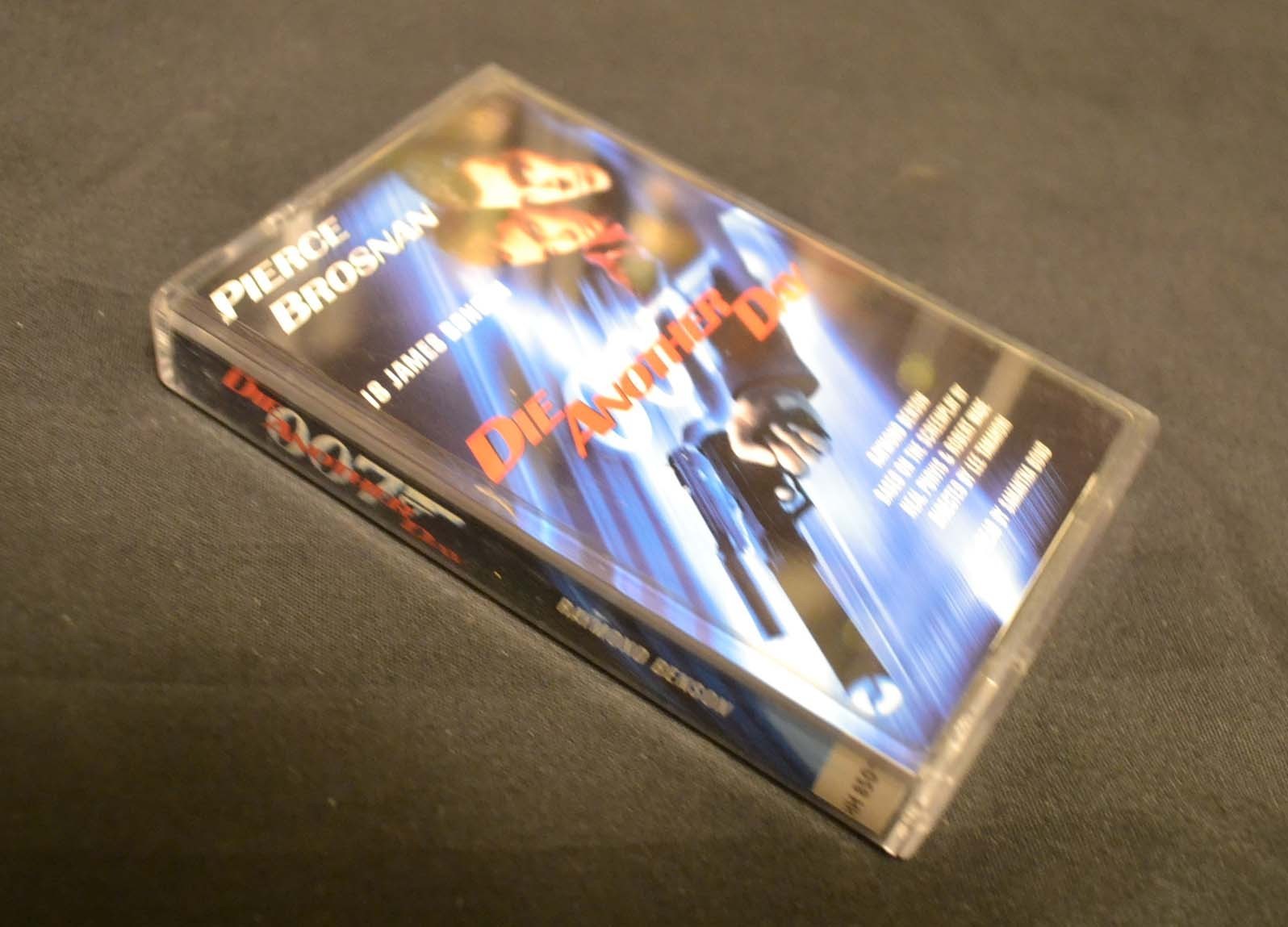 Audio Book Cassette James Bond Die Another Day Movie 65mins Samantha Bond$19.67Last checked Nov 25, 2026View on eBay
 CD-Audio Book](https://static.skillflare.io/images/89/89a3c582edd66fa6c0aee11841c63dbb2987aedf1e40208d9ffe019d331d483d.jpg) Doctor Who: The Savages[1966](Original BBC Television Soundtrack) CD-Audio Book$22.00Last checked Nov 23, 2026View on eBay
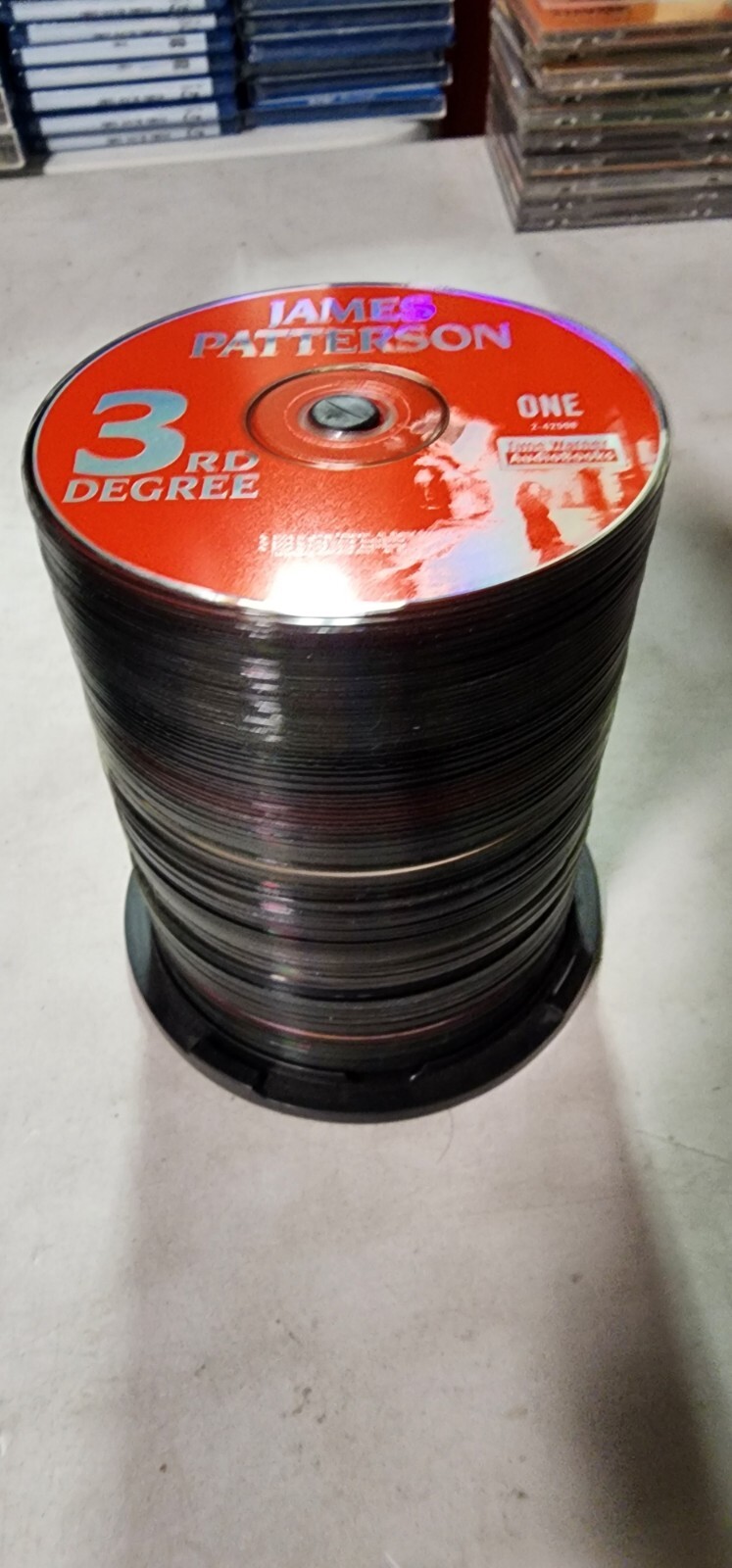 LOT OF 100 - 110 BULK RANDOM AUDIO BOOKS DISCS ONLY GREAT VALUE CD AUDIO BOOK$29.99View on eBay
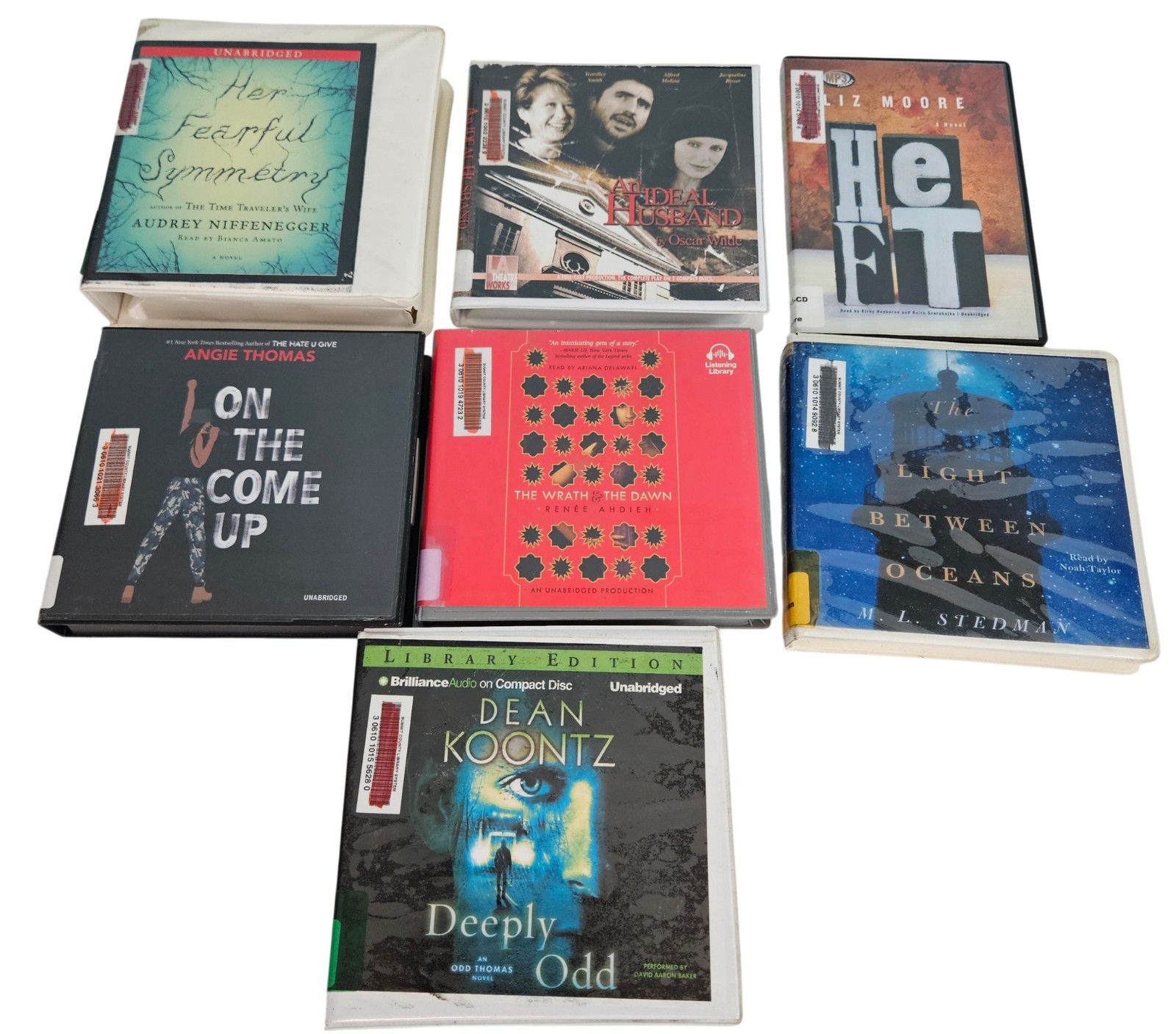 Audiobooks Audio Books CDs Young Adult Misc Genre Fiction Ex-Library Lot of 7$33.65View on eBay
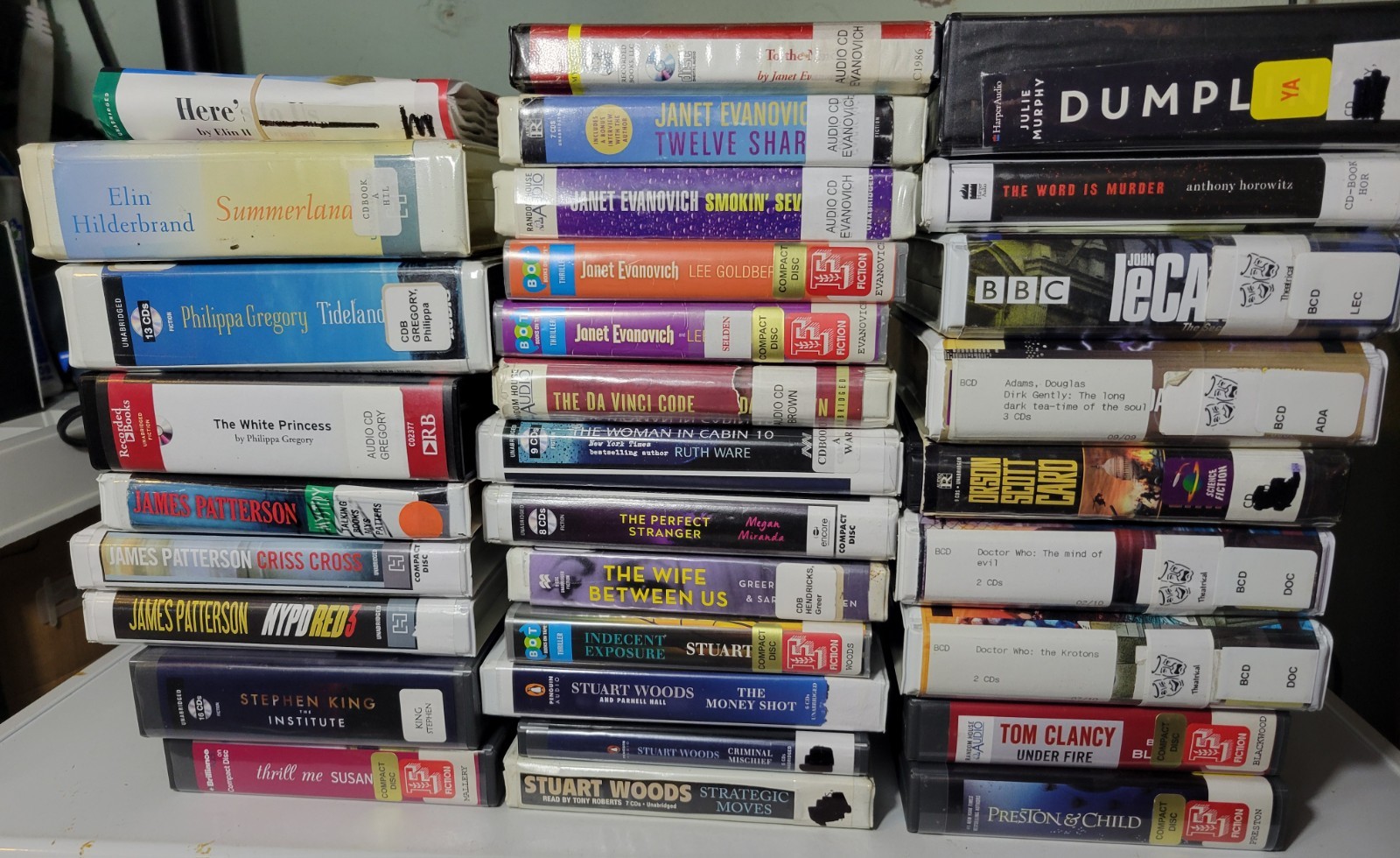 Audiobooks updated 6/13/26 audiobook audio books on CD pick choose combo ship$35.00Last checked Nov 18, 2026View on eBay
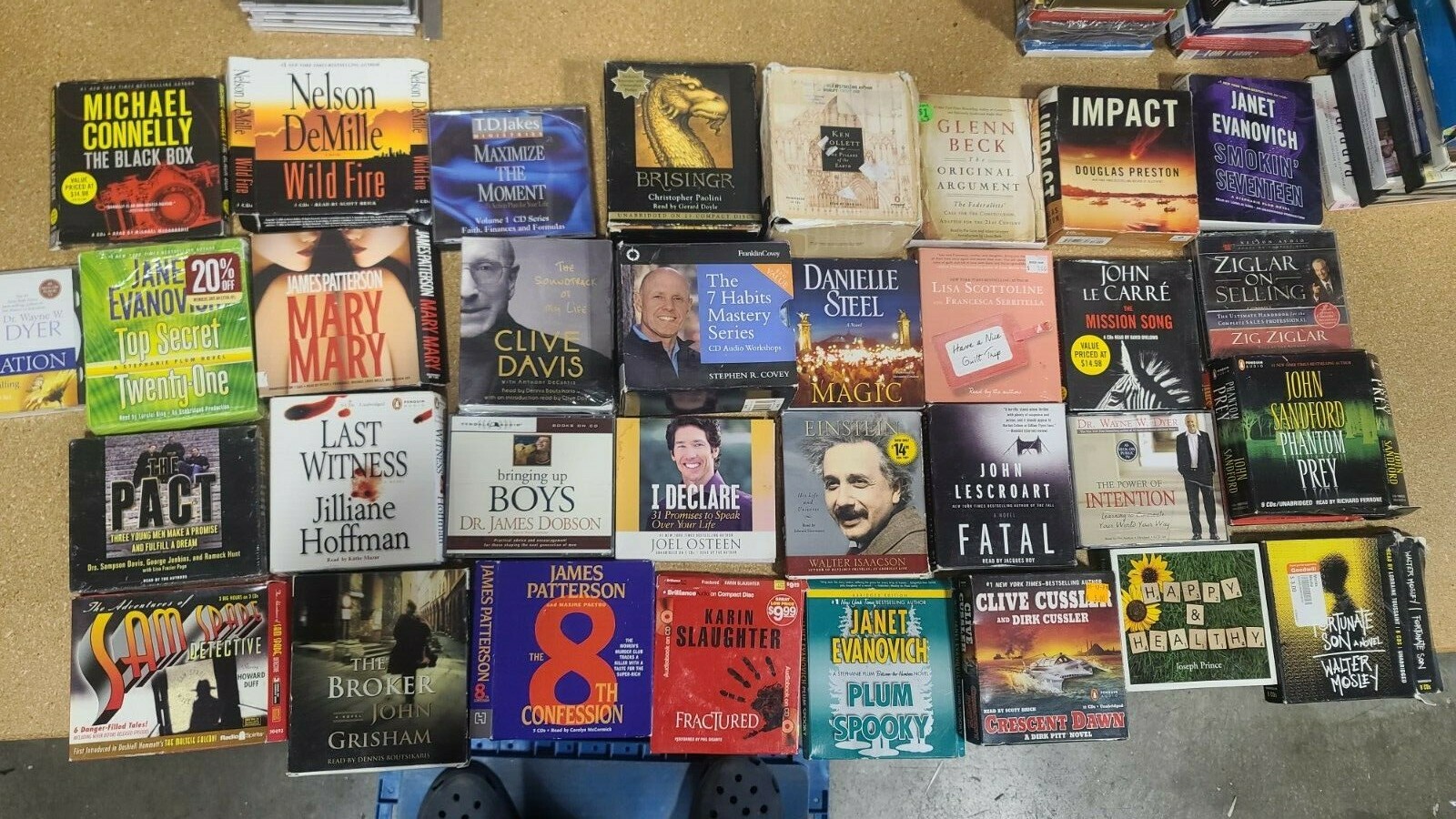 Wholesale Random Audio books on cd lot of 30+ assorted audiobooks Examples Pictu$39.99Last checked Nov 18, 2026View on eBay
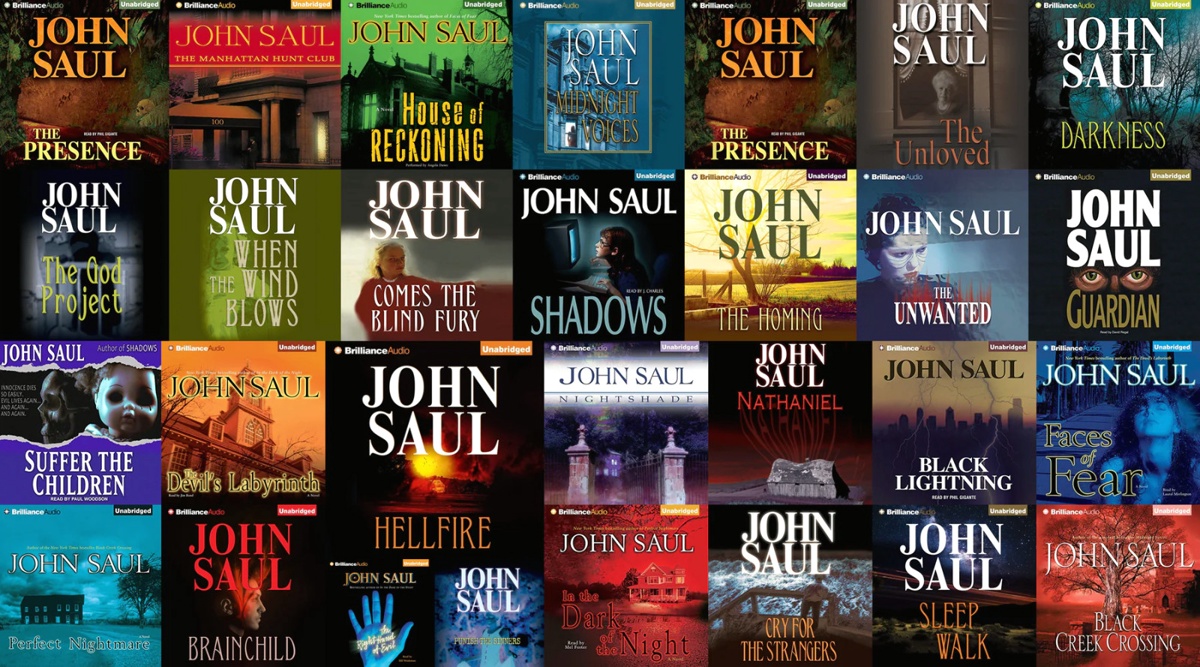 John Saul Audio Books (28 Unabridged Audiobooks on USB or DVD)$44.00View on eBay
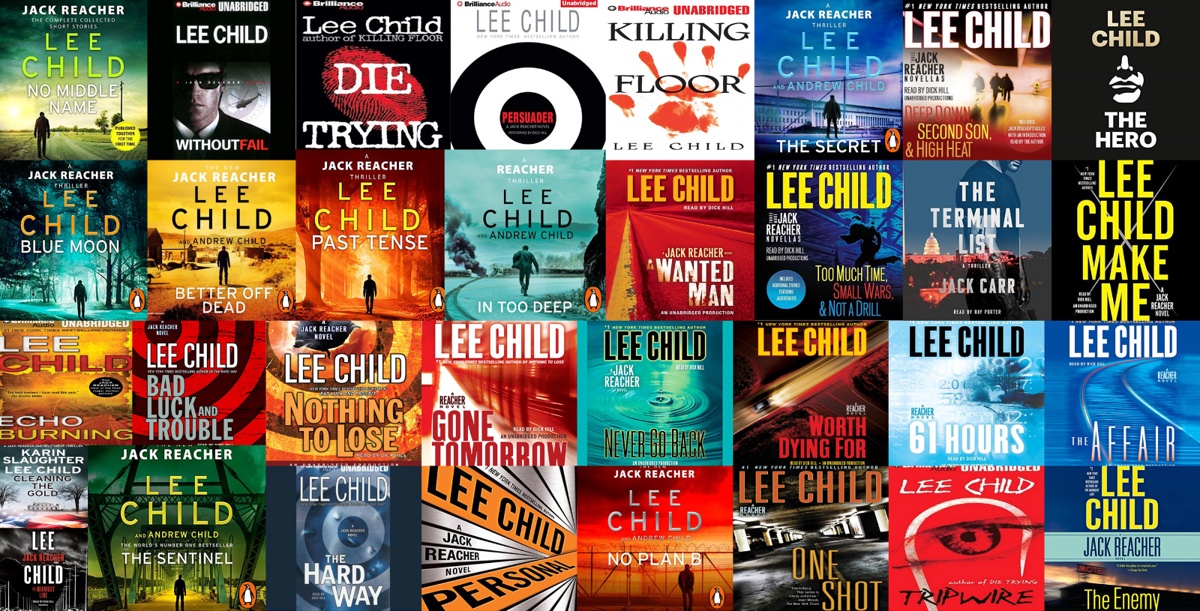 Lee Child's Jack Reacher Audio Book Series (36 Unabridged Titles on USB or DVD)$49.95View on eBay
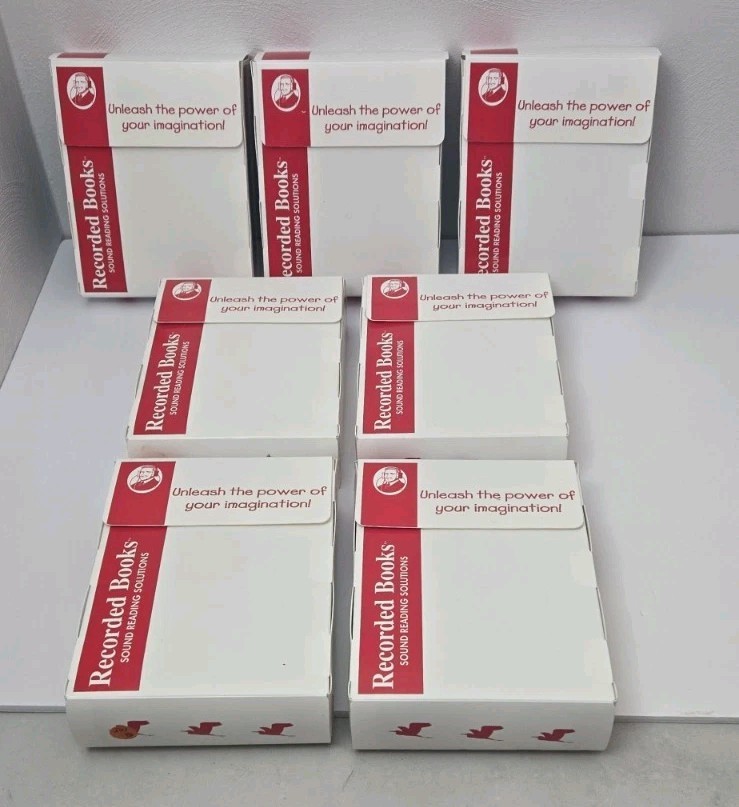 LOT of 7 Unabridged Recorded CD Audio Books with Physical Book Copies!$159.99View on eBay
Highlights
- Kindle e-readers from 2018 onward (10th gen and later) include Bluetooth for Audible playback; older models require the Kindle app on a phone or tablet.
- Fire tablets run the Audible app natively and support both streaming and offline downloads, with microSD expansion for large libraries.
- Audible audiobooks use the AAX/AAXC format and are tied to your Amazon account; Whispersync for Voice syncs position between Kindle ebook and Audible audiobook.
- Physical audiobooks on CD or cassette require a separate player; they do not play on Kindle devices and are not compatible with the Audible app.
Best use cases
- Best fit: Commuters and travelers who want one device for reading and listening should pick a Bluetooth Kindle Paperwhite (11th gen) or Kindle Oasis with Audible support.
- Best fit: Households with multiple listeners should choose a Fire tablet paired with Bluetooth speakers, since Fire tablets support Audible profiles and expandable storage.
- Wrong fit: Shoppers wanting to play CD or cassette audiobooks should skip Kindle entirely and buy a dedicated CD/cassette player; Kindle has no optical or tape drive.
- Wrong fit: Users who mainly listen on a phone should skip a new Kindle purchase and use the Audible app with existing hardware.
Buying tips
- Confirm Bluetooth: Kindle models from 2018 (10th gen) onward support Audible over Bluetooth; pre-2018 e-ink Kindles do not.
- Check storage: 8 GB holds roughly 30-40 audiobooks; 16 GB or 32 GB is safer for large libraries or offline Fire tablet use.
- Match your ecosystem: Audible membership is required for most audiobook purchases; Kindle Unlimited does not include Audible audiobooks.
- For CD audiobooks, budget for a CD player or rip files to MP3; Kindle cannot read physical media.
Specs
| Bluetooth Audio | Kindle 10th gen+ / Fire tablets |
|---|---|
| Audiobook Format | Audible AAX/AAXC via app |
| Storage Tier | 8 GB / 16 GB / 32 GB |
| Companion Device | Bluetooth headphones or speakers |
Related searches
What to check before buying
- Verify your Kindle model generation in Settings > Device Options > Device Info; 10th gen or later is required for Bluetooth audio.
- Confirm you have Bluetooth headphones or speakers, since Kindle e-readers have no built-in speaker.
- Check your Audible account status and region, as audiobook catalogs and Whispersync availability vary by marketplace.
- Ensure your Wi-Fi network is available for initial audiobook downloads; offline listening requires prior download.
FAQ
Data sources: eBay / Amazon listings and product attribute feeds. Updated Nov 27, 2026.
Some links on this page are affiliate links. If you buy after clicking one, we may earn a commission at no extra cost to you. This does not change which products appear here or their order. Affiliate disclosure.