
Photos from current listings. Actual item, color, and included accessories may vary.
Audiobook iPhone Buying Guide
Audiobooks on iPhone are digital audio files played through Apple's Books, Audible, or a third-party player, and the decisive trade-off is between DRM-locked convenience (Audible/Apple) and open-format flexibility (MP3/M4B files you own). Durable, frustration-free listening comes from matching file format and DRM to your player app and ensuring the iPhone has enough storage or a reliable streaming connection before you start a long book.
At a glance
- Category
- Audiobooks
- Last updated
- Nov 27, 2026
Current offers
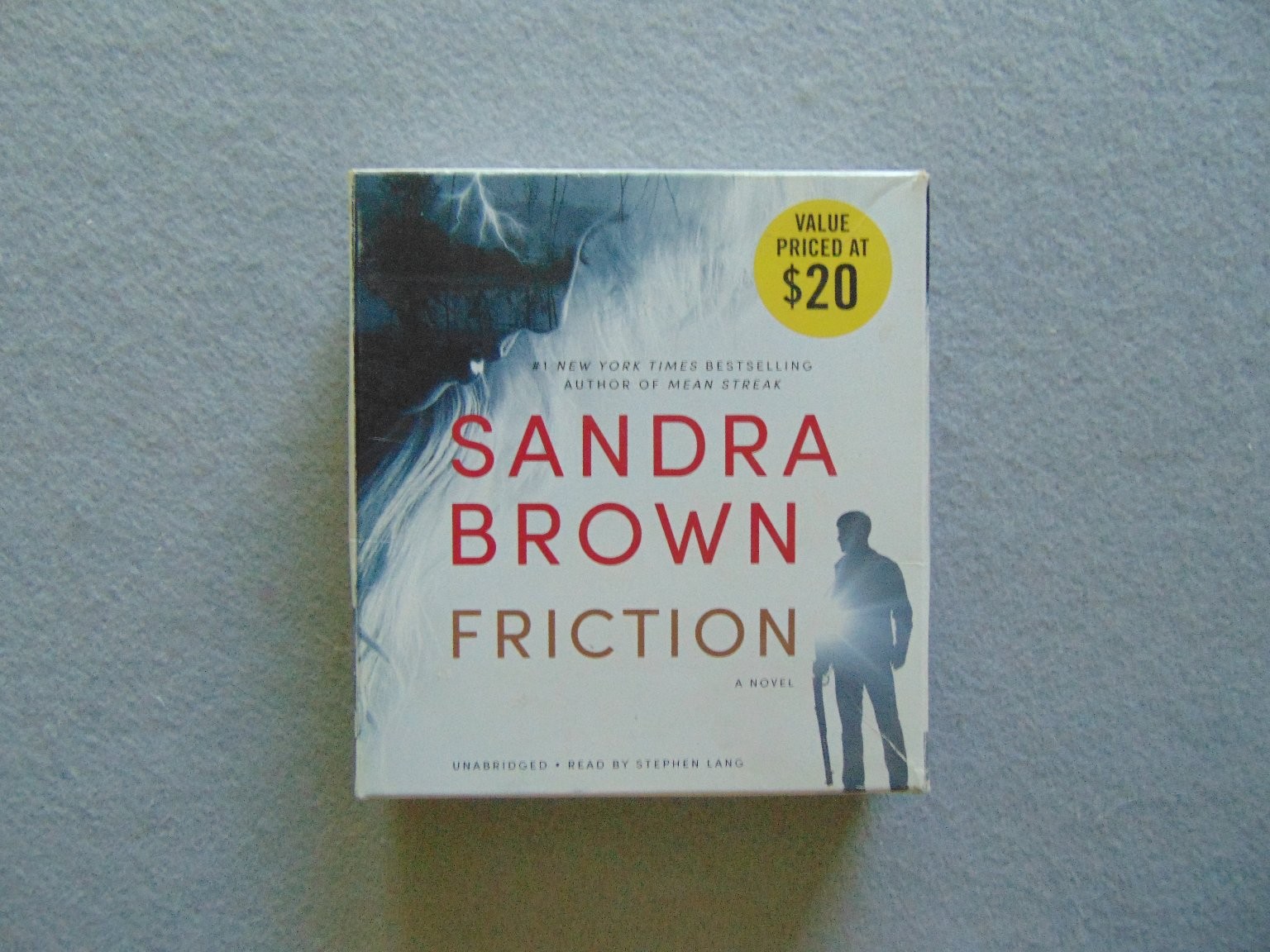 Friction by Sandra Brown Audiobook CDs Unabridged 10 Discs$5.99View on eBay
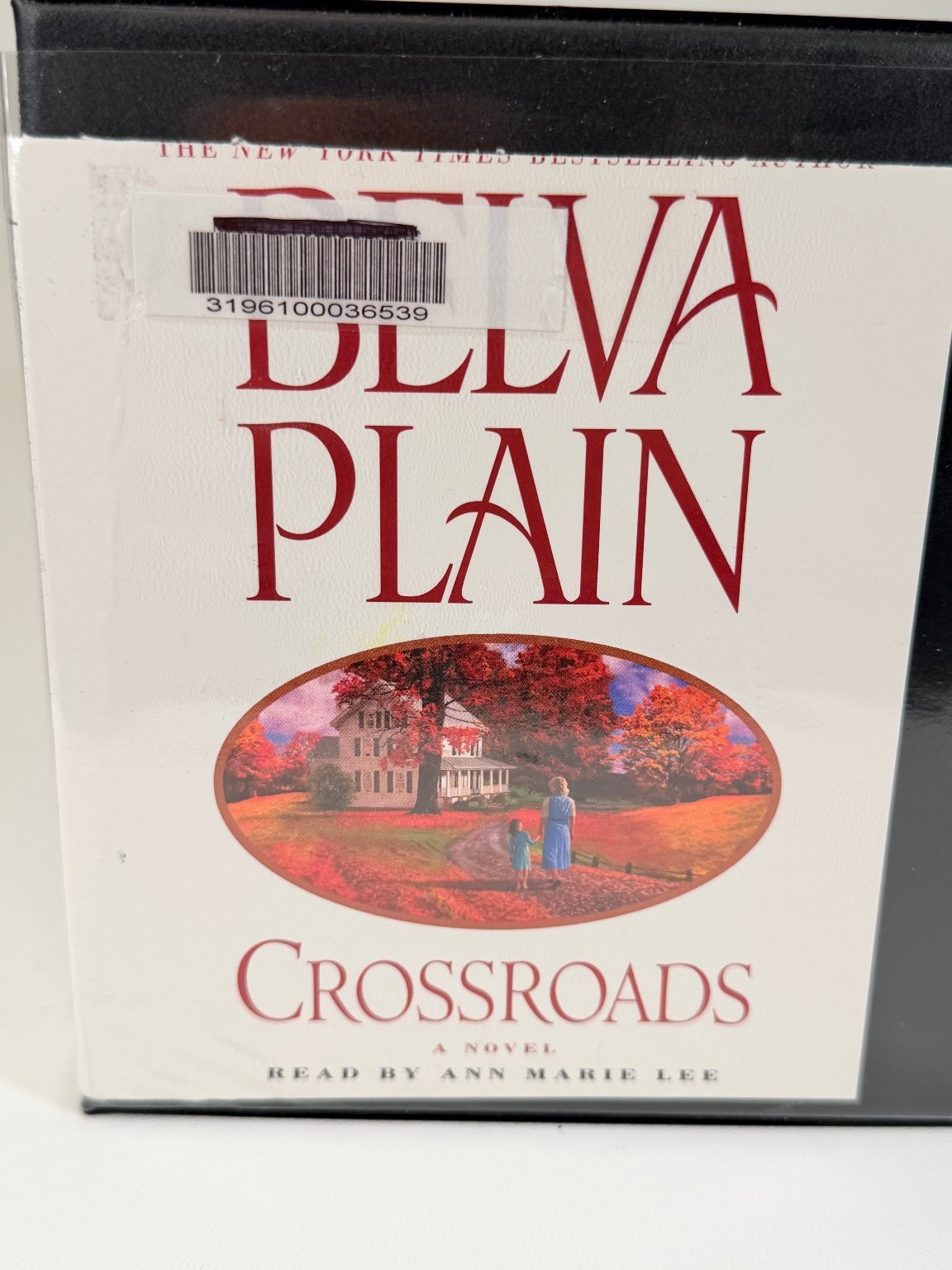 Crossroads by Belva Plain Audiobook CDs Unabridged 4 Discs$7.59View on eBay
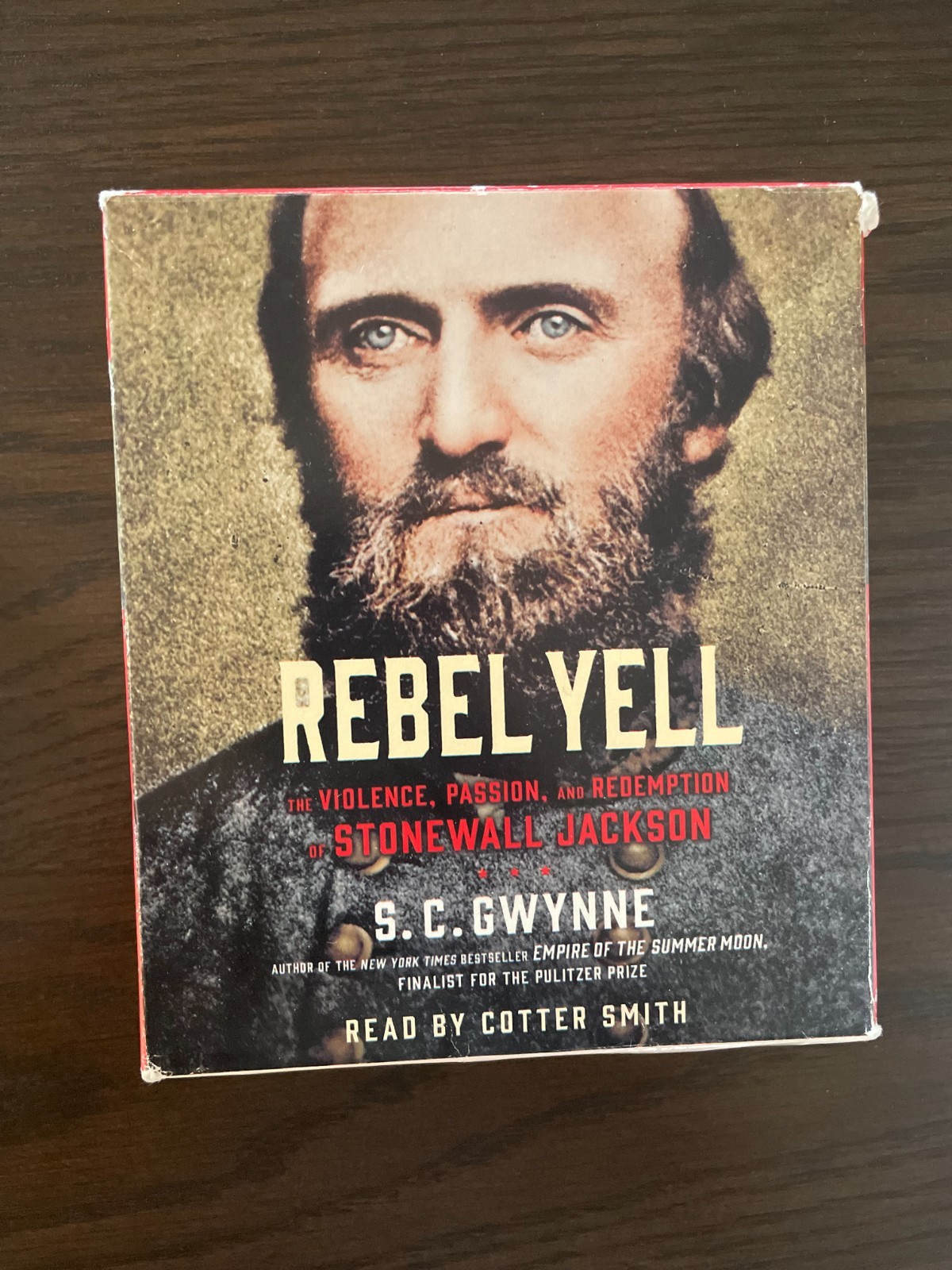 REBEL YELL Audiobook CDs Unabridged 21 Discs by S C GWYNNE$24.99View on eBay
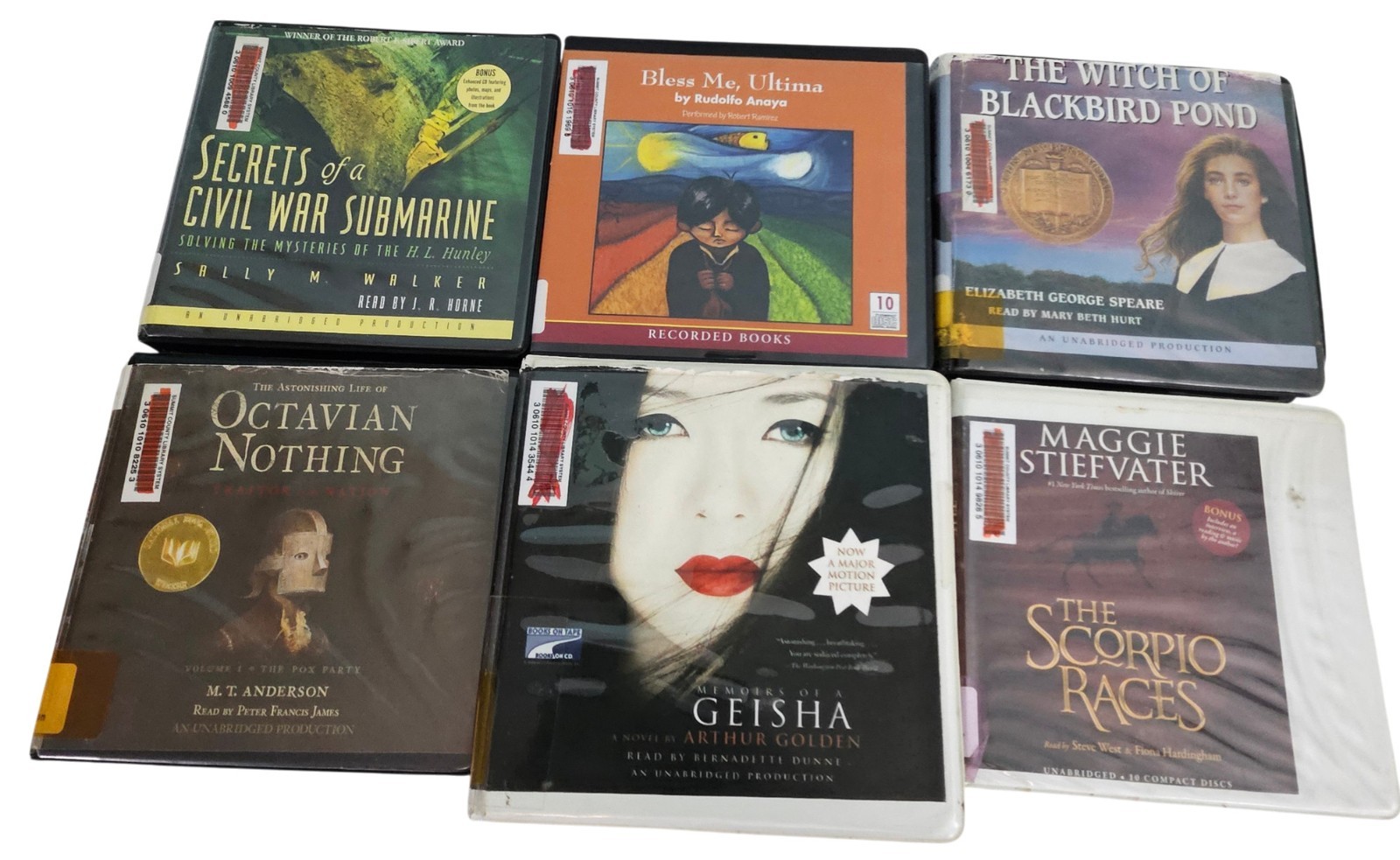 Historical Fiction Romance CD Audiobooks Various Authors Unabridged Lot of 6$35.88View on eBay
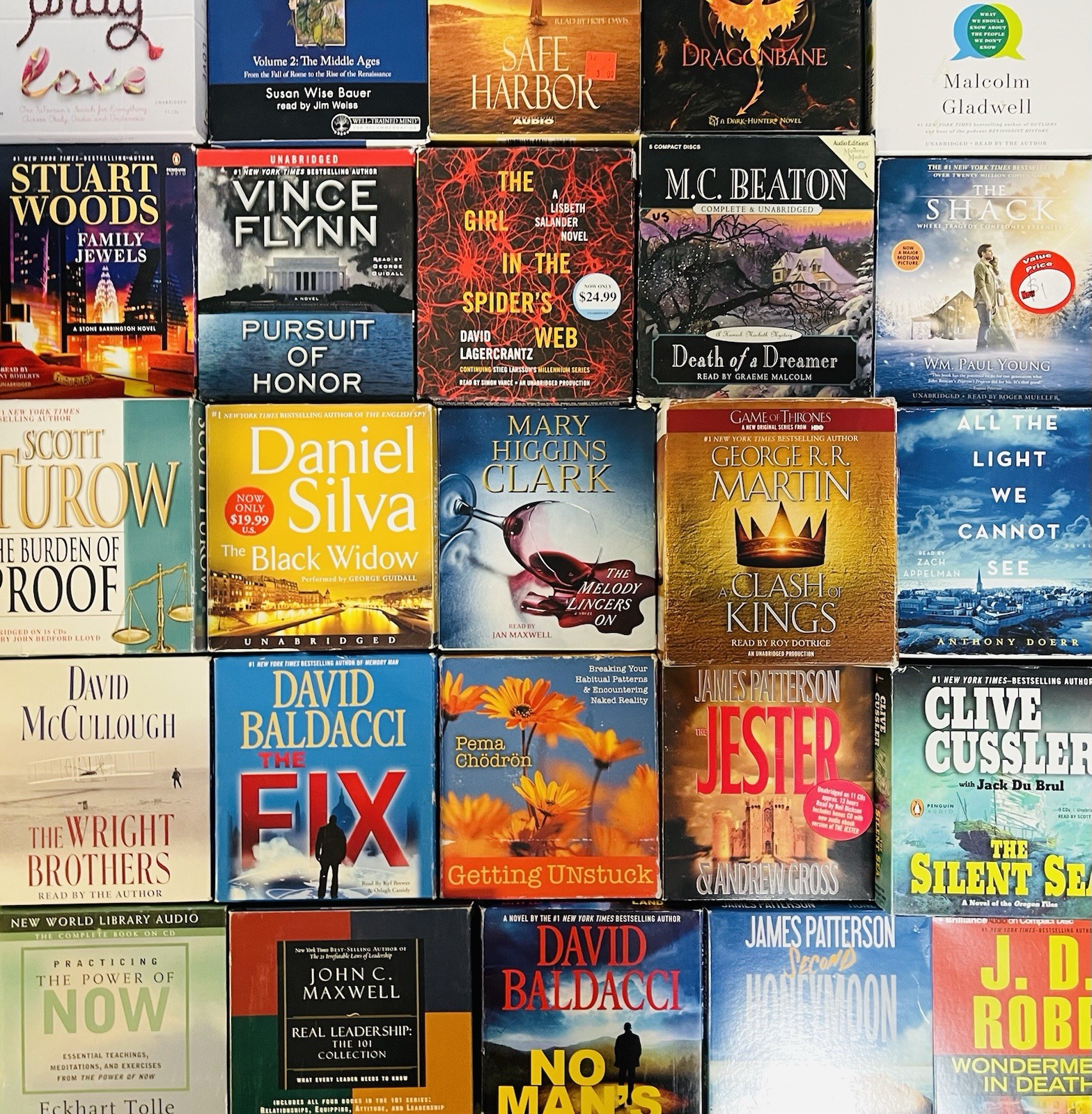 20 Unabridged Audiobooks All Types : Fantasy, Fiction, Mystery, History, Etc$37.95View on eBay
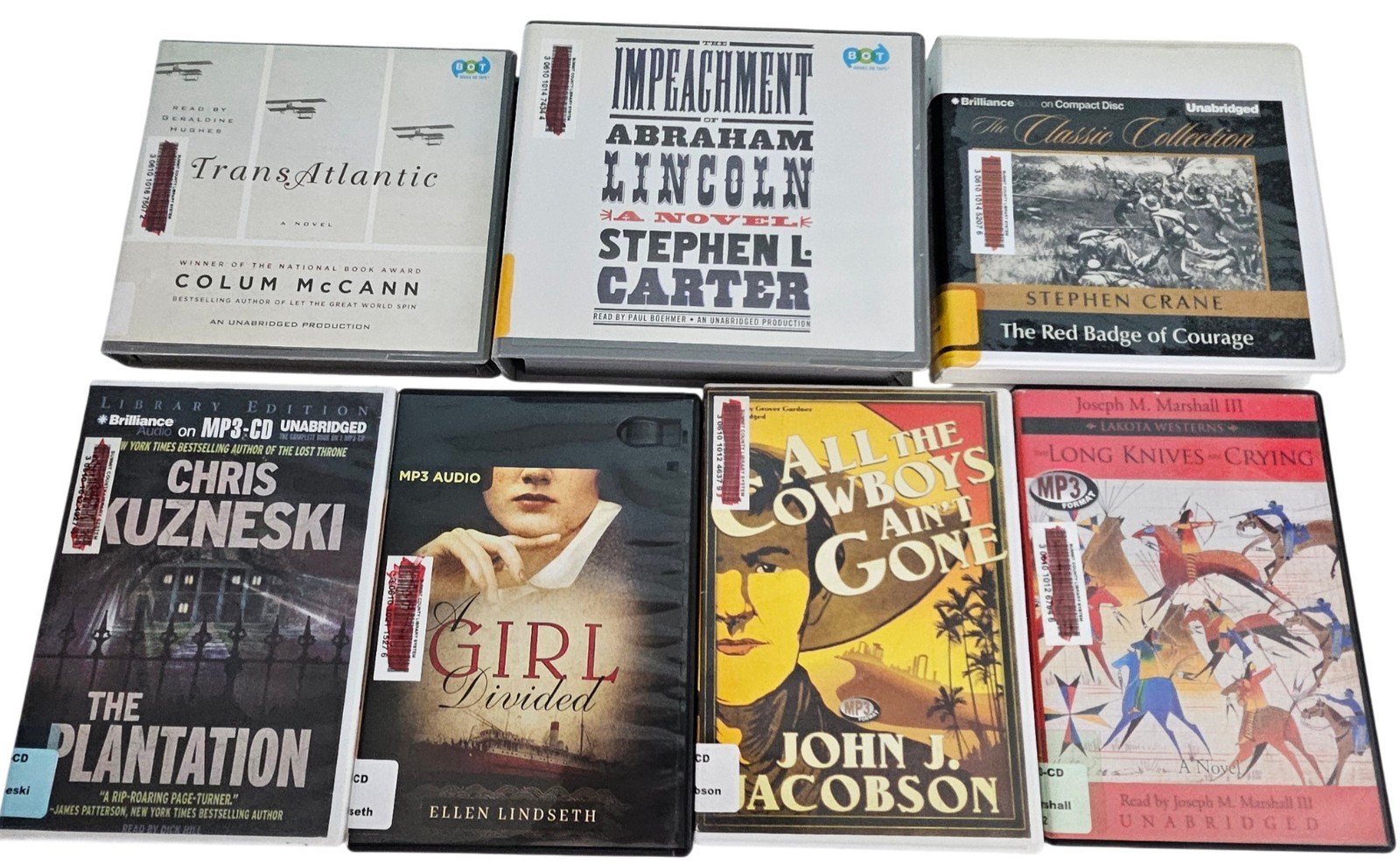 Historical Fiction Romance CD Audiobooks Various Authors Unabridged Lot of 7$39.88View on eBay
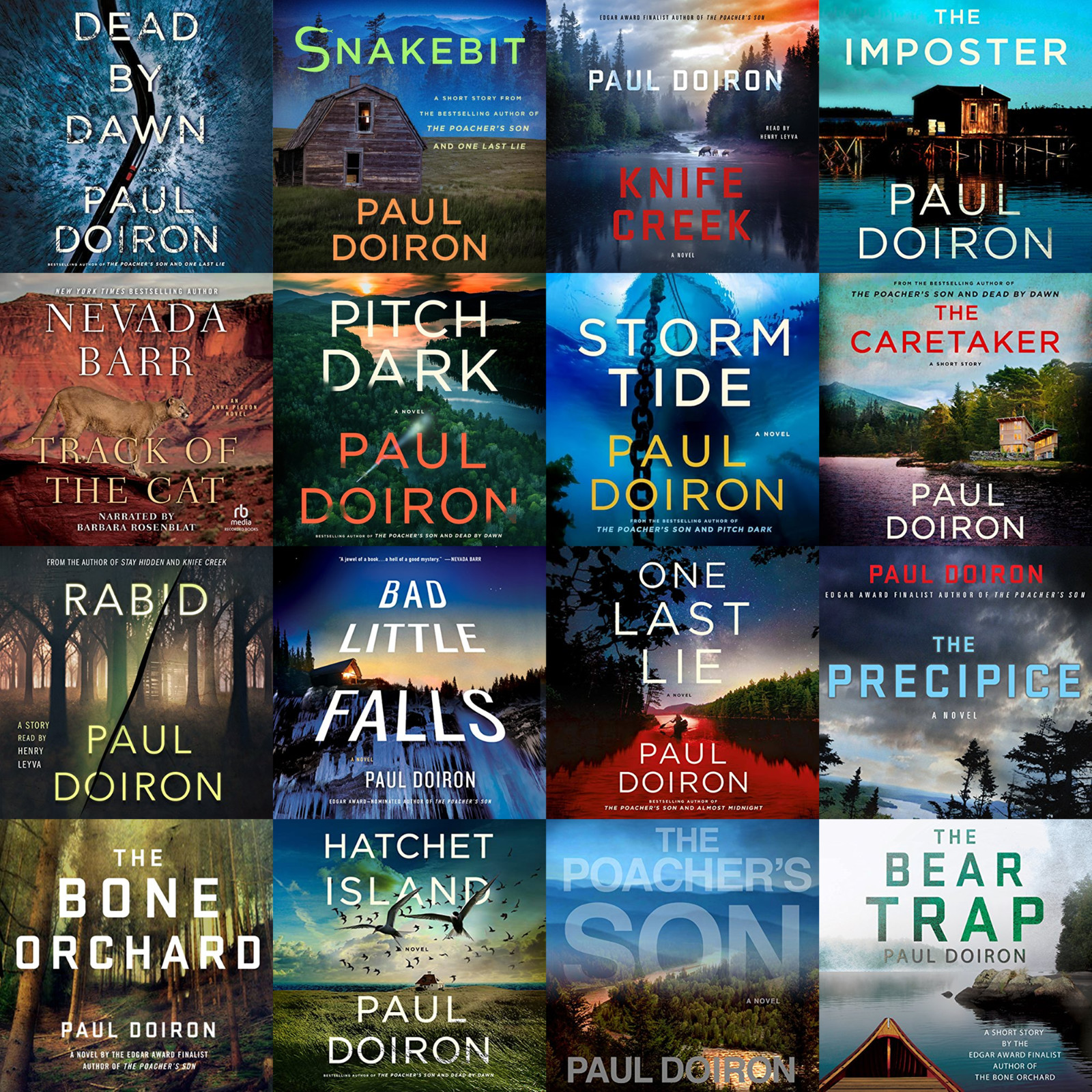 Mike Bowditch Mysteries by Paul Doiron (22 Unabridged Audiobooks on USB or DVD)$39.95View on eBay
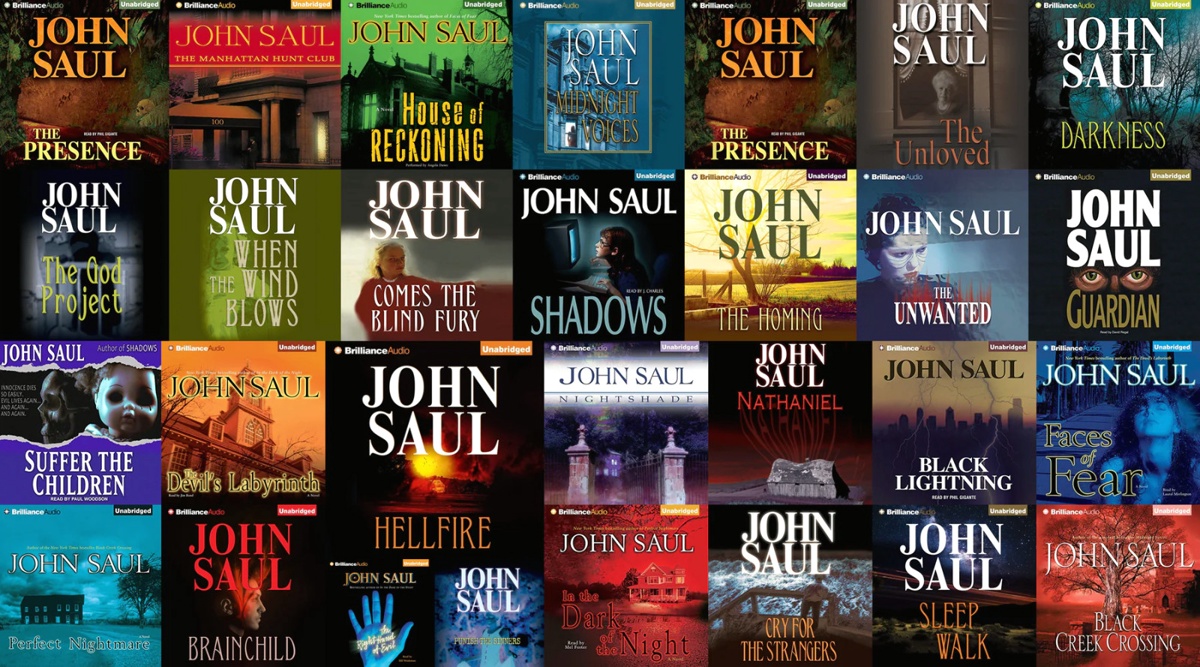 John Saul Audio Books (28 Unabridged Audiobooks on USB or DVD)$44.00View on eBay
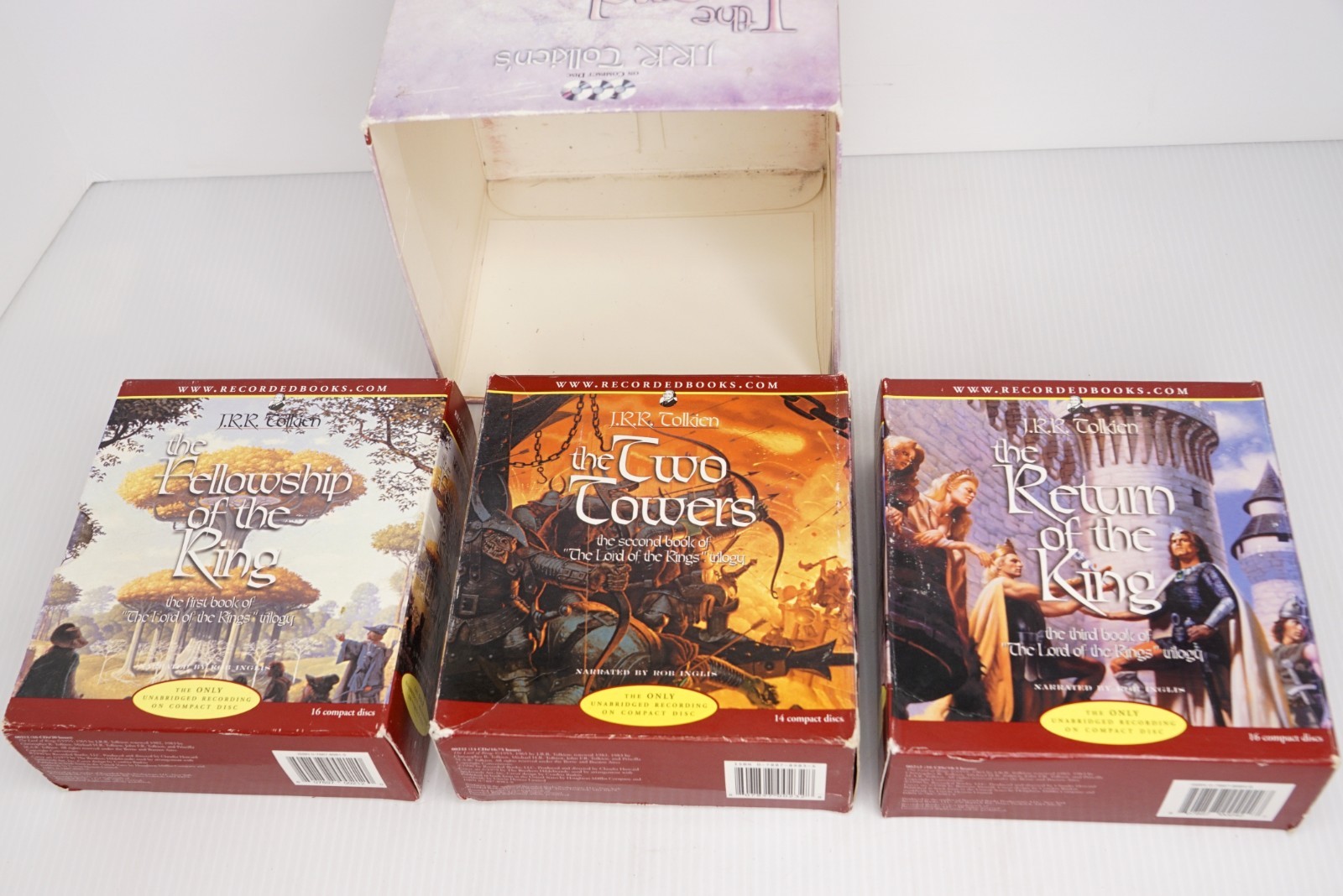 J.R.R. Tolkien COMPLETE Lord of the Rings Unabridged Audiobooks on CD Rob Inglis$59.99View on eBay
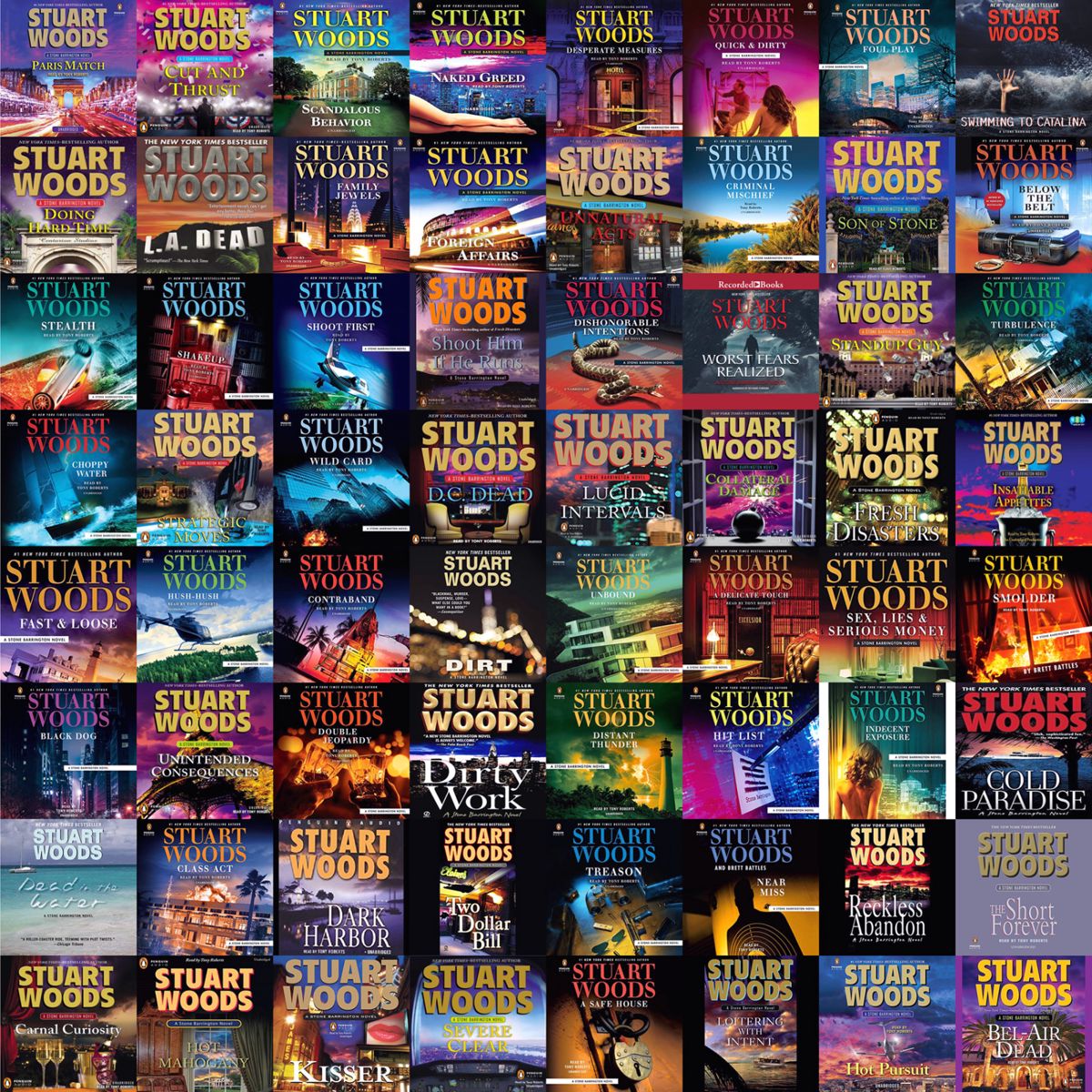 Stuart Woods's Stone Barrington Series (66 Unabridged Audiobooks on USB or DVD)$64.00View on eBay
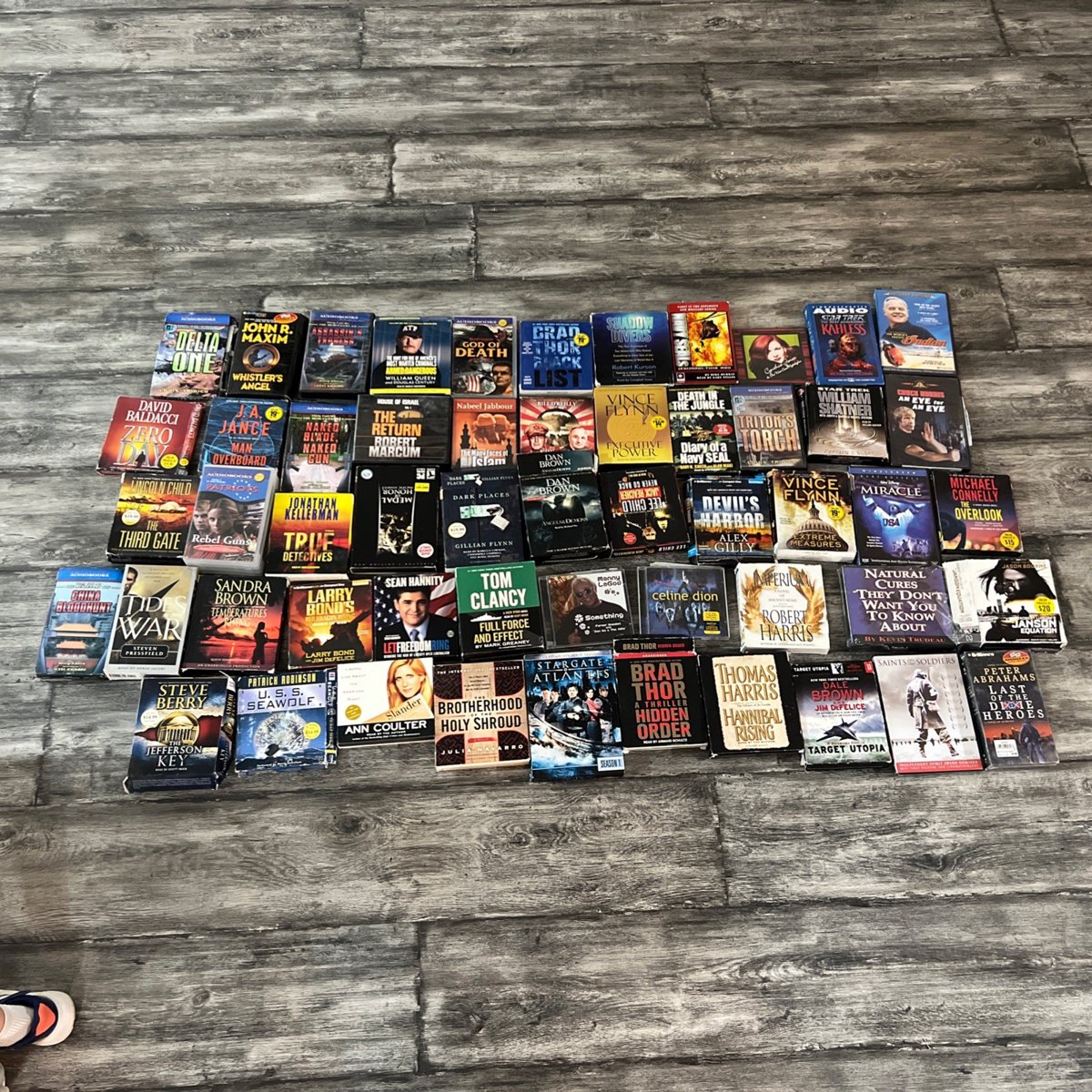 Lot of 53 Audiobooks CD's and Cassette Unabridged Mixed Lot Authors & Genres$99.99View on eBay
Highlights
- Audible AAX files are DRM-protected and require the Audible app or an authorized player; MP3/M4B files play in Apple Books and most third-party apps without conversion.
- Apple Books syncs position and speed across devices via iCloud, but only for books purchased or imported into the Books library—Audible titles stay in the Audible app ecosystem.
- Unabridged CD audiobooks typically run 8–30+ hours across 4–21 discs; ripping them to iPhone requires a computer with an optical drive and produces large MP3/M4B files.
- Bluetooth playback on iPhone supports AAC and SBC; wired Lightning/USB-C earphones or a DAC dongle avoid codec and latency issues on long listens.
Best use cases
- Best fit: commuters and gym users who stream or download within Audible or Apple Books—pick the app-native format and a data plan or pre-downloaded titles.
- Best fit: collectors with CD libraries who want permanent ownership—rip unabridged CDs to M4B with chapter markers and load via Finder or a file-management app.
- Wrong fit: buyers expecting to play DRM-protected Audible AAX files in Apple Books without the Audible app—skip that and use the Audible app or an authorized converter.
- Wrong fit: users with a base-storage iPhone who plan to store dozens of 20+ hour unabridged books locally—choose streaming or expand via cloud library instead.
Buying tips
- Match format to app: Audible AAX needs the Audible app; MP3/M4B works in Apple Books; AA/AAX from library services need OverDrive/Libby or an authorized player.
- Budget storage: a 20-hour unabridged audiobook at 64 kbps mono is roughly 550–600 MB; at 128 kbps stereo it is about 1.1 GB—plan iPhone free space accordingly.
- For CD rips, use a computer with an optical drive and rip to M4B at 64–96 kbps mono for speech; this keeps a 10-disc, 12-hour book under about 700 MB.
- Prefer unabridged editions; abridged CDs cut 30–50% of runtime, and buying used CD lots means checking disc count matches the runtime you expect.
Specs
| File Format | AAX (DRM) vs MP3/M4B (open) |
|---|---|
| Player App | Audible vs Apple Books vs Libby |
| Storage per 20 hr | ~600 MB mono / ~1.1 GB stereo |
| iPhone Port | Lightning (≤14) vs USB-C (15+) |
Related searches
What to check before buying
- Confirm iPhone model and port: Lightning (iPhone 14 and earlier) vs USB-C (iPhone 15 and later) determines which wired earphone or dongle you need.
- Check available iPhone storage in Settings > General > iPhone Storage; leave at least 2–3 GB free for app caches and a few long books.
- Verify your player app supports your file type: Apple Books handles MP3/M4B; Audible app handles AAX; Libby handles library loans.
- If ripping CDs, confirm you have a computer with an optical drive and enough disk space—roughly 1 GB per 10 hours at 96 kbps mono.
FAQ
Data sources: eBay / Amazon listings and product attribute feeds. Updated Nov 27, 2026.
Some links on this page are affiliate links. If you buy after clicking one, we may earn a commission at no extra cost to you. This does not change which products appear here or their order. Affiliate disclosure.