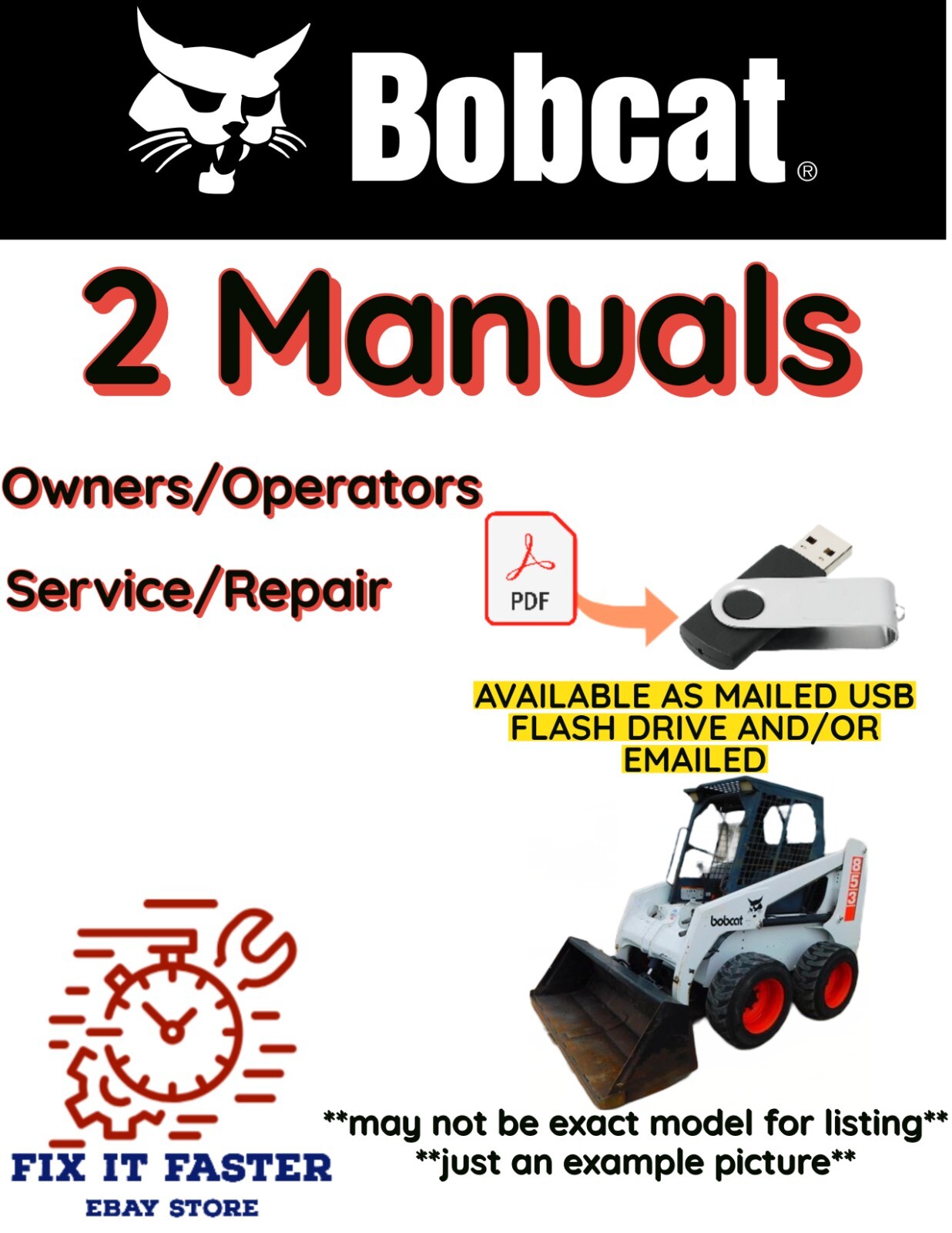

Photos from current listings. Actual item, color, and included accessories may vary.
Bobcat 542B Buying Guide
The Bobcat 542B is a compact skid-steer loader, and the product shoppers seek under this term is almost always its service/operator manual—not the machine itself. The key trade-off is between a full PDF-on-USB service reprint and a bound OEM paper manual: digital is searchable and cheap, paper survives a shop floor. Buy the digital reprint for reference and printing pages; buy the OEM paper manual only when you need a durable bench copy.
At a glance
- Category
- Magazines, Textbooks & Reference
- Status
- Listings available
- Last updated
- Nov 27, 2026
Current offers
Highlights
- 542B manuals are model-specific: the 542B shares the 500-series architecture, so a 542/542B manual covers the same engine, hydraulics, and drive systems.
- Service manuals include hydraulic schematics, torque specs, and troubleshooting trees; operator manuals cover controls, maintenance intervals, and safety decals only.
- PDF-on-USB reprints are scanned or digitally compiled OEM manuals, so page quality varies—demand a searchable PDF with a clickable table of contents.
- Paper OEM manuals use heavier stock and lay-flat binding, which matters when you're referencing torque values under a machine.
Best use cases
- Best fit: a 542B owner doing their own hydraulic and engine service—buy the full service/repair manual (PDF or paper), not just the operator's manual.
- Best fit: a shop that needs quick lookup on a tablet—buy the PDF-on-USB version and print the hydraulic schematic pages for the wall.
- Wrong fit: buying a generic 'Bobcat skid steer' manual that doesn't list 542B—serial-number and model coverage must match exactly.
- Skip: a paper manual if you only need occasional torque specs and have no bench space—the digital reprint covers the same content.
Buying tips
- Match the manual to your exact model and serial range: 542B manuals cover the 542B, while 542 and 542B are often combined—confirm the cover lists 542B.
- Service/repair manuals are hundreds of pages with fold-out schematics; operator manuals are typically 60–100 pages. If the listing says 'operators service shop repair manual', it should include all three sections.
- For PDF-on-USB, require a searchable (OCR) PDF and a table of contents—scanned image-only PDFs are not usable for torque-spec lookup on a phone.
- Paper manuals: check binding (lay-flat spiral or perfect-bound) and page size (letter/A4); OEM reprints on heavy stock outlast comb-bound copies.
Specs
| Manual Type | Service/repair + operator + parts |
|---|---|
| Format | PDF on USB vs paper bound |
| Model Coverage | 542B (often combined with 542) |
| Searchability | OCR searchable PDF (required) |
Alternatives to compare
Related searches
What to check before buying
- Confirm your machine is a 542B (not 542, 543, or 553) and note the serial number—manual coverage is by model and serial break.
- Check the listing's table of contents includes hydraulic system, engine service, and electrical schematics for the 542B.
- For USB/PDF: verify it opens on your device (Windows/Mac/tablet) and that the seller states searchable text, not just scanned images.
- For paper: measure your bench or truck cab storage—letter-size manuals with fold-outs need roughly 9×11 in of flat space.
FAQ
Data sources: eBay / Amazon listings and product attribute feeds. Updated Nov 27, 2026.
Some links on this page are affiliate links. If you buy after clicking one, we may earn a commission at no extra cost to you. This does not change which products appear here or their order. Affiliate disclosure.