
Photos from current listings. Actual item, color, and included accessories may vary.
Movie Buying Guide
Physical movies on DVD and Blu-ray remain the only way to guarantee permanent ownership and maximum picture/sound quality, but the format you choose dictates compatibility and longevity. The core trade-off is between the universal but standard-definition DVD and the sharper, region-locked Blu-ray; buying used or bulk lots adds a condition risk. The decision rule: buy Blu-ray for any film you truly love and DVD only for legacy players or budget multi-packs, and always verify region coding and disc condition before committing.
At a glance
- Category
- Movies & TV
- Last updated
- Nov 27, 2026
Current offers
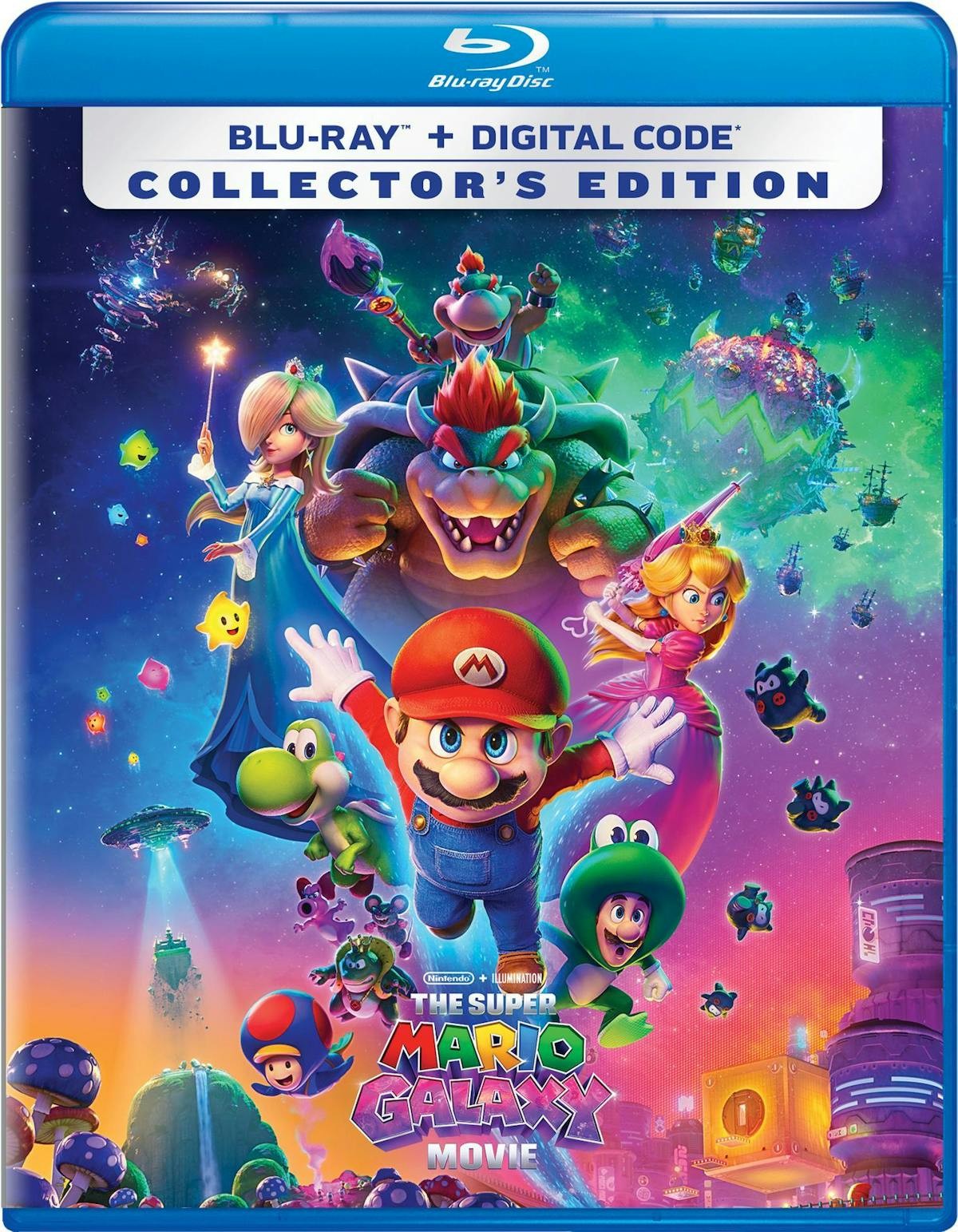 The Super Mario Galaxy Movie Blu-ray NEW$9.99Last checked Nov 18, 2026View on eBay
 Teacher’s Pet Trick’n Train Instructional DVD Movie Dog Canine Tips New/Sealed$14.31View on eBay
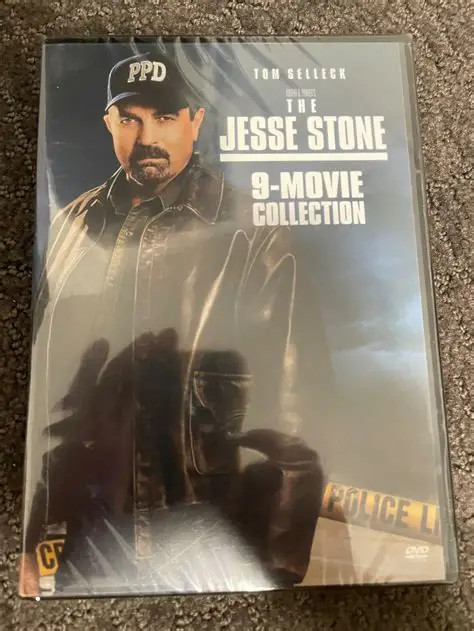 The Jesse Stone 9-Movie Collection DVD Complete Brand New Sealed USA$14.95Last checked Nov 26, 2026View on eBay
 NEW! In Love and War DVD James Woods / Jane Alexander TV Movie OOP Fremantle$14.99View on eBay
 Walker Texas Ranger TV Movie Collection (DVD) 8 Discs Set NEW Sealed, Free Ship$16.50Last checked Nov 22, 2026View on eBay
 ONCE - Movie [Blu-ray] Glen Hansard Oscar Winner Falling Slowly MusicalNew$17.99Last checked Nov 25, 2026View on eBay
 Hallmark Channel Unwrapping Christmas 4-Movie Collection [New DVD]$19.99Last checked Nov 20, 2026View on eBay
 Fast & Furious 10-Movie Collection, Full DVD Release, Brand New$22.00Last checked Nov 20, 2026View on eBay
 Jackass: Complete Movie and TV Collection (Includes Jackass 7-Movie Collection /$22.60Last checked Nov 19, 2026View on eBay
 PERRY MASON THE COMPLETE TV MOVIE COLLECTION Sealed New 15 DVD Set All 30 Movies$27.99View on eBay
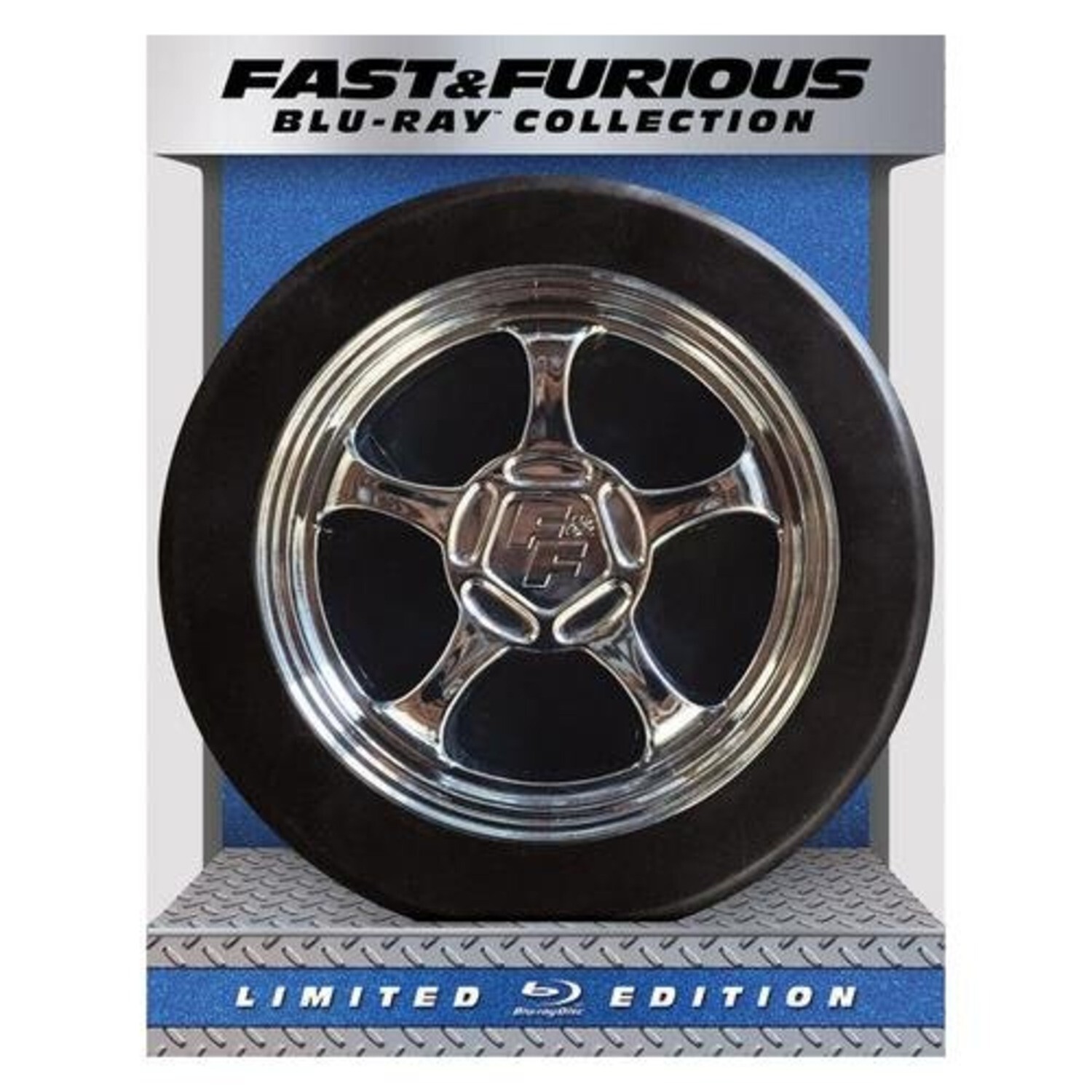 Fast & Furious 7-Movie Collection LIMITED EDITION (BLU-RAY) BRAND NEW!!!$29.99Last checked Nov 26, 2026View on eBay
 R.O.D. The TV Complete Collection Read or Die TV+ 3 OVA Series/Movie DVD ENGLISH$30.00Last checked Nov 22, 2026View on eBay
 MASH The Complete Collection TV Series + Movie 34-Disc DVD BOX SET$35.83View on eBay
 MASH The Complete Series Season 1-11 + Movie 34-Disc DVD Box Set Sealed New$37.60Last checked Nov 23, 2026View on eBay
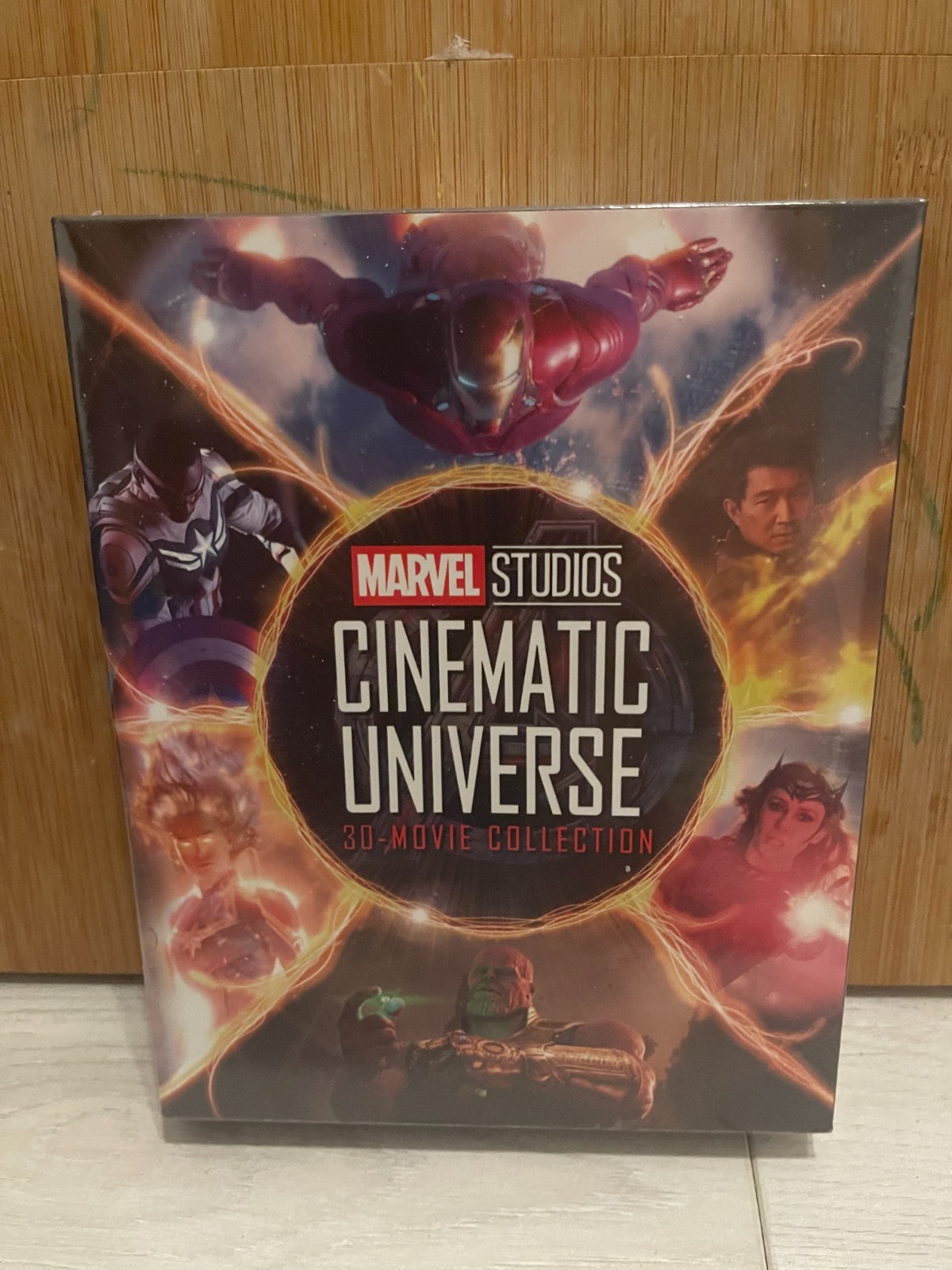 Marvel Cinematic Universe 30 Movie Collection Blu-ray Box Set$39.99Last checked Nov 19, 2026View on eBay
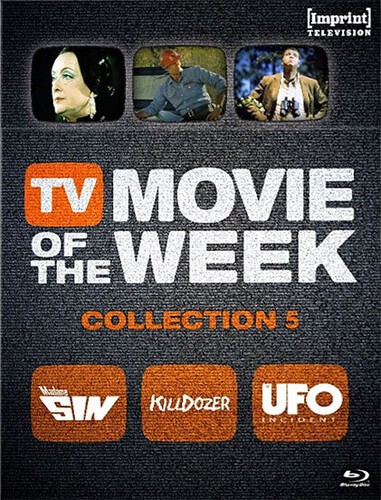 TV Movie of the Week: Collection Five [New Blu-ray] Australia - Import$68.36Last checked Nov 23, 2026View on eBay
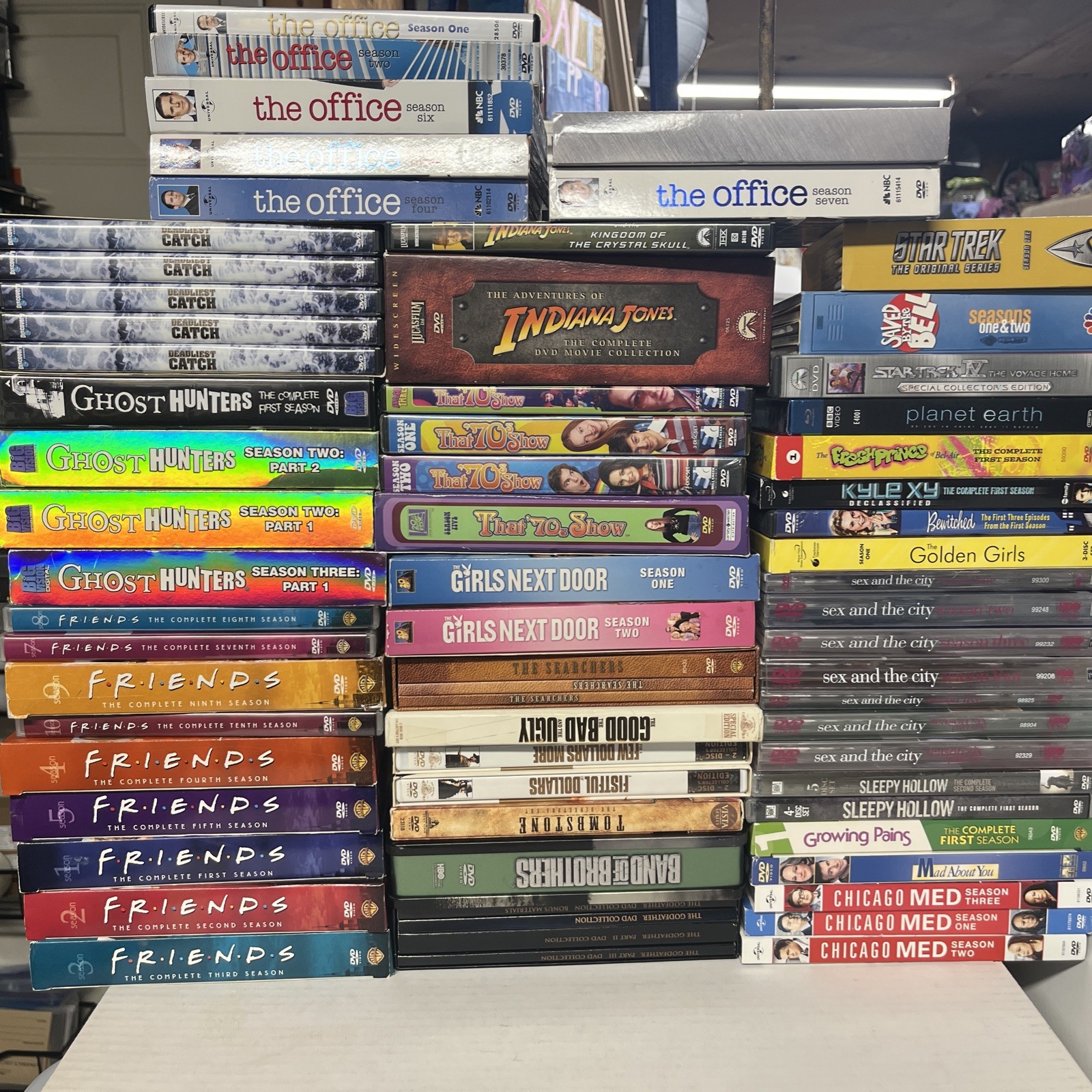 Lot of 60 DVD Movie And TV Show Box Sets$89.99View on eBay
 HEAVEN´S LOST PROPERTY FIRST AND SECOND SEASONS/ MOVIE Blu-ray /DVD$199.99View on eBay
Highlights
- DVD is region-locked (Region 1 for US/Canada) and capped at 480p; Blu-ray uses Region A and delivers 1080p with lossless audio.
- 4K Ultra HD Blu-ray is region-free for the disc but requires a UHD player and HDR-capable display for full benefit.
- Pressed discs (silver, professional replication) last decades; burned discs (DVD-R/BD-R) degrade faster and are often mislabeled in bulk lots.
- Studio catalog titles vs. boutique labels (Arrow, Criterion) differ in restoration quality, extras, and packaging—not in playback compatibility.
Best use cases
- Best fit for collectors: buy Blu-ray or 4K UHD for films with heavy visual effects or reference audio; skip DVD unless it is the only release of a rare title.
- Best fit for family streaming substitutes: choose DVD multi-packs or studio combo packs (Blu-ray + DVD + Digital) for kids’ titles—discs resist subscription churn and are car-player compatible.
- Best fit for renters or minimalists: avoid bulk lots entirely; pick a single Blu-ray from a reputable seller with a condition guarantee, or stick to streaming rentals.
- Wrong fit: buying ‘pick and choose’ lots for specific new releases—assortments skew to overstock and may ship region-2 or ex-rental discs with heavy wear.
Buying tips
- Match the disc format to your player: DVD players play only DVDs; Blu-ray players play both; 4K players play all three. Never buy 4K UHD for a standard Blu-ray player.
- Check region coding on the case: Region 1/A for North America; Region 2/B discs from Europe will not play on US players without a region-free modification.
- For used discs, insist on ‘like new’ or ‘very good’ with no visible scratches on the data side; deep radial scratches cause skipping, while light circular buff marks are usually harmless.
- Boutique labels (Arrow, Criterion, Kino) use new 2K/4K restorations and often include lossless audio—prioritize these over bare-bones studio reissues for classic or foreign films.
Specs
| Format Type | DVD / Blu-ray / 4K UHD |
|---|---|
| Region Code | DVD: 1-6; Blu-ray: A/B/C |
| Max Resolution | 480p DVD / 1080p BD / 2160p UHD |
| Player Compatibility | DVD < Blu-ray < 4K UHD (backward) |
Related searches
What to check before buying
- Measure your player: confirm it reads Blu-ray (logo on tray) or 4K UHD; DVD-only drives cannot play HD discs.
- Check your display: 4K UHD requires an HDR-capable TV and HDMI 2.0/2.1 cable for full color and brightness.
- Verify region: US players default to Region 1 (DVD) and Region A (Blu-ray); imported discs need a region-free player.
- Inspect lot listings: avoid mixed lots without close-up photos of disc surfaces; ex-rental and library copies often carry stickers and scratches.
FAQ
Data sources: eBay / Amazon listings and product attribute feeds. Updated Nov 27, 2026.
Some links on this page are affiliate links. If you buy after clicking one, we may earn a commission at no extra cost to you. This does not change which products appear here or their order. Affiliate disclosure.