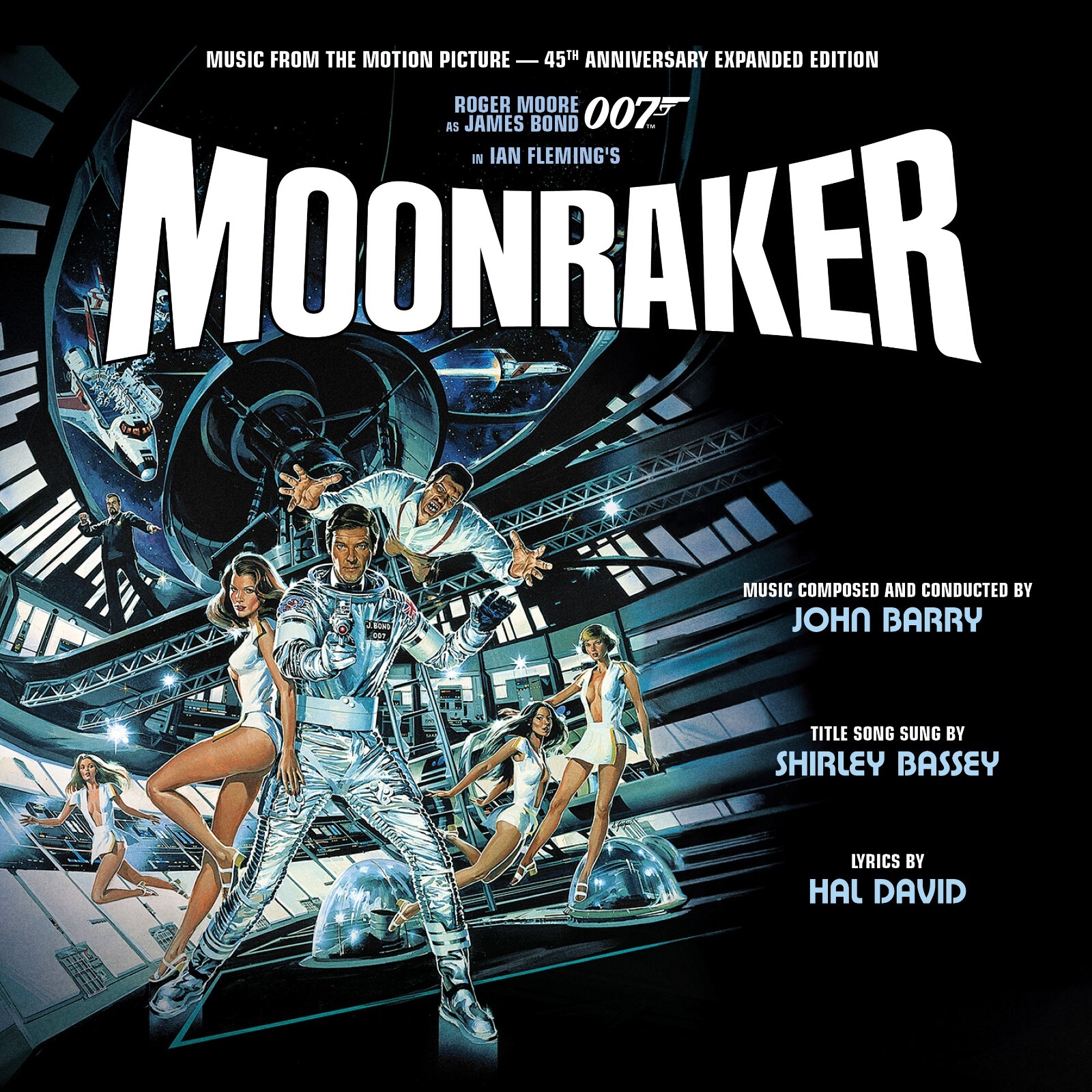

Photos from current listings. Actual item, color, and included accessories may vary.
CD Out Buying Guide
Physical music CDs remain the only mainstream format that guarantees uncompressed 16-bit/44.1 kHz Red Book audio with no DRM, account lock-in, or streaming rotation risk. The core trade-off is pressing quality and edition completeness versus availability: standard jewel-case singles are cheap but often use loudness-war masters, while deluxe, anniversary, and out-of-print pressings carry superior masters yet cost more and vanish from retail. The decision rule is simple: buy the specific master and edition you want on the used market for out-of-print titles, and default to standard retail pressings only for current releases where the master is documented as identical across formats.
At a glance
- Category
- Music CDs
- Last updated
- Nov 27, 2026
Current offers
Highlights
- Red Book standard guarantees 16-bit/44.1 kHz PCM playback on any CD player, DVD player, or computer drive, unlike streaming which can silently swap masters.
- Anniversary and deluxe editions frequently use 2010s remasters with higher dynamic range than the original 1980s CD pressing, making the edition code more important than the album title.
- Jewel cases use polystyrene (cracks easily) while digipaks use card sleeves; neither affects audio, but digipaks resist cracking and lose the booklet slot.
- Out-of-print (OOP) status means the CD is no longer manufactured by the label, so condition grade and completeness of the booklet/obi strip become the primary value drivers.
Best use cases
- Buy the standard jewel-case pressing for a current pop or rock album you will rip to FLAC and shelve; skip deluxe boxes unless they contain a documented alternate master.
- Buy the anniversary or deluxe edition for legacy catalog albums (e.g. soundtrack reissues) because the remaster and bonus disc are the only reason to own physical over streaming.
- Buy an out-of-print edition only when you specifically need that mastering or packaging; otherwise skip it, because used OOP prices reflect scarcity, not audio superiority.
Buying tips
- Match the edition code: a 45th Anniversary 2-CD set and the original single-disc pressing of the same soundtrack can use different masters, so confirm which master you want before buying.
- For out-of-print titles, verify the seller lists the disc condition (e.g. 'Like New', 'Very Good') and that the booklet and both discs are included; incomplete sets lose most of their value.
- Check the region and format: standard audio CDs are region-free, but 'CD-R' or 'DVD-Audio' listings are not Red Book and may not play in car or boombox players.
- Prefer digipak or card-sleeve editions if you store discs in a car or gig bag; jewel cases crack under pressure and hinge pins snap, while sleeves survive transport.
Specs
| Format Standard | Red Book CD-DA 16-bit/44.1 kHz |
|---|---|
| Case Type | Jewel case vs digipak / card sleeve |
| Edition Type | Standard vs deluxe / anniversary |
| Availability | In-print retail vs out-of-print used |
Related searches
What to check before buying
- Confirm your player accepts standard 12 cm Red Book CDs; slot-load car decks can reject thicker digipaks or cardboard sleeves.
- Check storage space: a standard jewel case is roughly 142 x 125 x 10 mm, so measure shelf depth before buying multi-disc box sets.
- For out-of-print purchases, confirm the listing includes the original booklet and both discs where applicable, since replacements are not sold separately.
- Verify the edition matches the master you want by checking the release year and label on the listing, not just the album title.
FAQ
Data sources: eBay / Amazon listings and product attribute feeds. Updated Nov 27, 2026.
Some links on this page are affiliate links. If you buy after clicking one, we may earn a commission at no extra cost to you. This does not change which products appear here or their order. Affiliate disclosure.